








Get started now

Premium ZOHO Solutions for Small & Medium Businesses in North America

The Most Reviewed Zoho Partner, Trusted Worldwide for Zoho & AI Solutions.
we don’t just write code. We listen, advise, and lead you to what works. No guesswork. Just a clear, proven path to success.

ZOHO FREE TRIAL
zoho logo
Zoho logo and globe alongside
ZOHO FREE TRIAL
zoho logo
Zoho logo and globe alongside

Optimizing Your Small Business with ZOHO ONE
As a top Zoho partner, we offer custom SMB solutions

a man working on laptop

Zoho CRM for Small Business Automation

Premium Zoho Partner in North America automates SMB sales and marketing with Zoho One and Zoho CRM workflows, replacing manual tasks!

Partnering with a Premium Zoho Consultant

Zoho Support for North American SMBs

Premium Zoho Partner in North America offers SMBs expert support, weekly training, monitoring, and free extensions to optimize Zoho CRM and Zoho One!

We’ve Got Your Back as Your Zoho Partner

Premium Zoho Partner in North America offers SMBs free Zoho CRM consulting and support to optimize your small business at no cost when you assign us!

Why Trust Us to Boost Your Small Business?

5-star reviews on Google & Zoho Partner pages show why North American SMBs trust our premium Zoho CRM consulting!

Automation

Optimizing Your Small Business with ZOHO ONE

Top Zoho Partner in North America offers affordable Zoho CRM customization for SMBs with pre-written code for any need!

Expert ZOHO ONE Consulting by ABR

ABR, a premium Zoho Partner in North America, delivers certified Zoho CRM customization for SMBs with expert precision!

Live Zoho CRM
Workshop

Live online sessions: 5 days, 3 hours a day
Monday to Friday
1 PM to 4 PM EST (10 AM - 1 PM PST)

Ready to See What a
REAL CRM Can Do?

Helping Businesses Succeed with Zoho

Just like you wouldn’t hire a hockey coach who’s never played the game, you need a Zoho partner with real business experience. One that has solved complex challenges, delivered impactful solutions, and knows how to make technology work for you.

At Amazing Business Results, we specialize in helping small to mid-sized businesses in North America optimize operations with Zoho CRM, Zoho One, and Zoho Books. As a premium Zoho partner, we’ve completed over 2,000 projects for SMBs.

🏆 Award winning Zoho Partner
✅ Over 2,000 successful Zoho projects
⭐ Most-reviewed Zoho partner worldwide, with an average 5-star rating

We don’t just implement Zoho. We design systems that drive adoption, automate workflows, and provide real-time insights to help businesses grow. Our approach focuses on scalability and efficiency, ensuring that as your business evolves, your Zoho system grows with you.

Whether it’s CRM customization, AI-powered automation, marketing integrations, or advanced reporting, we tailor Zoho to fit your unique needs. Our expertise spans industries, helping businesses streamline operations and increase revenue with smarter systems.

At Amazing Business Results, we believe that technology should work for you, not the other way around. Let’s build a Zoho solution that fuels your business success. 🚀

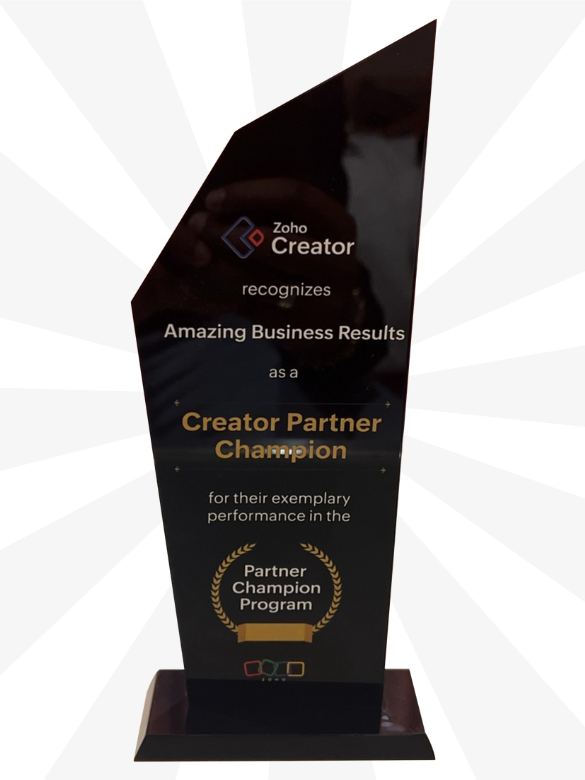
Zoho Creator Championship

Zoho Case Studies for Small Businesses:

a smiling man
Video Production New Pace Productions
Learn more

A man holding a woman in his hands for a pose, representing a real estate brokers company
Real Estate Industry Acquisto Real Estate
Learn more

Colorado medical solutions' case study
Healthcare Industry Colorado Medical Solutions
Learn more
A case study on dental staffing company
Healthcare Industry KAD Dental Staffing
Learn more

Forest Hill Estate Brokerage company with a smiling lady
Real Estate Industry Stephanie Lerner
Learn more
Koby Lerner
Business consultancy Koby Lerner
Learn more
Case study on p lastic and reconstructive surgeon
Healthcare Industry Dr. Itay Wiser
Learn more
Applications security case study
Application Security David Chernitzky
Learn more
Accessibility solutions case study
Accessibility Solutions Allan Rathwell
Learn more
Tax Attorney case study
Tax Attorney Alexey Manasuev
Learn more

Ely video editor
Video Production Firewolf Productions
Learn more
Bookkeeping and accounting system services
Financial Services Industry SFIR Consulting
Learn more
Security system installers in USA and Canada
Security Systems UTS Group
Learn more
banner on medical practice manager
Healthcare Industry Custom Medical ERP
Learn more
Travel Industry The Ties Program
Learn more
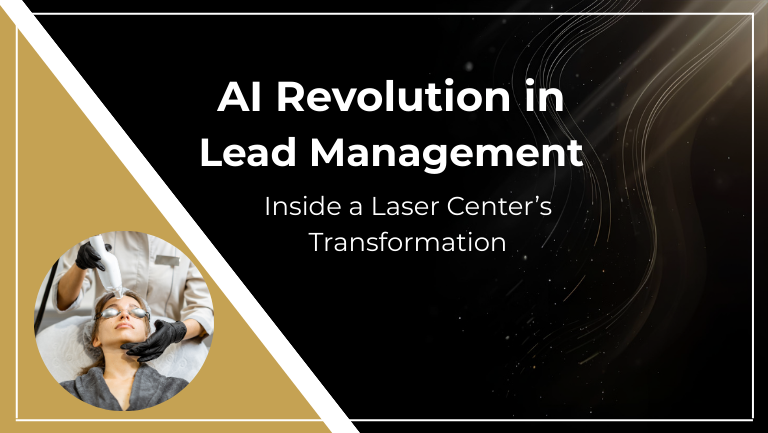
Aesthetic Services AI Revolution in Lead Management
Learn more
Education Vancouver Preschool Network
Learn more

Healthcare Industry Ottawa Psychotherapy
Learn more

Consultation Calgary Consulting Firm
Learn more

Consultation Toronto Financial Consulting Firm
Learn more

Commercial Services Industry Arizona Commercial Services Provider
Learn more
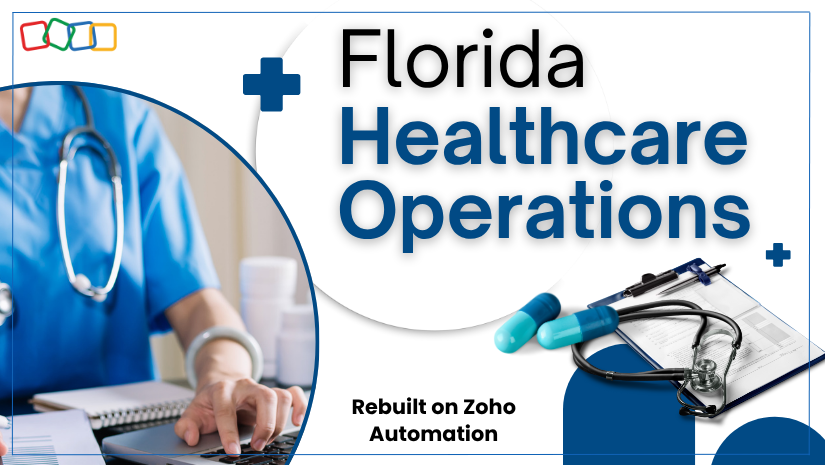
Healthcare Industry Florida Healthcare Provider
Learn more

Healthcare Industry Orthopedic Billing Integration
Learn more
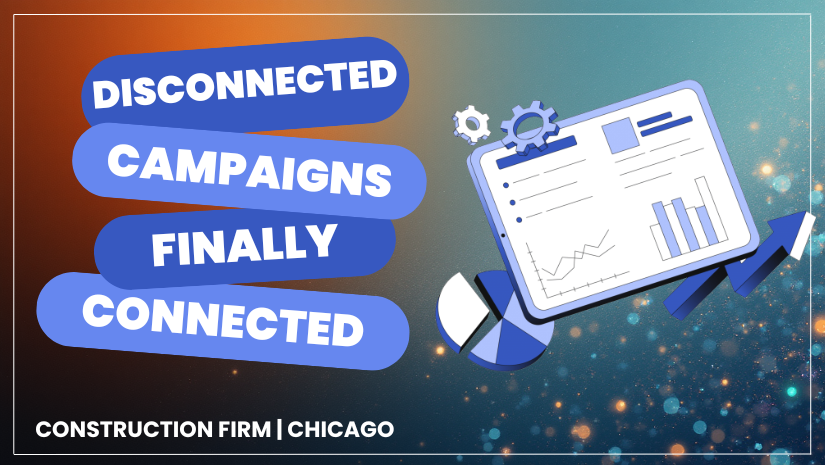
Construction Construction Marketing Clarity
Learn more
Top-Rated ZOHO Partner: 100s of 5-Star Reviews, 2,000+ Projects

ARI ARENSTEIN Google Reviews 5 stars

Positive: Professionalism, Quality, Responsiveness, Value!

RESELLING AUGMENTEND REALITY SAAS PLATFORM Upwork Reviews 5 stars

Lior will give a 100% amazing service!

REALPLACES Zoho Review 5 stars

Lior knows the platform inside and out. But thats not why you use him. He gets to understand our business and helps make the right decisions regarding how to best use the platform to get

MICKEY BLAYVAS Google Reviews 5 stars

Very professional approach.

RESELLING AUGMENTEND REALITY SAAS PLATFORM Upwork Reviews 5 stars

Lior acts quickly. He is super pragmatic and focuses on true business goals.

REPAIRCARE Zoho Reviews 5 stars

Lior acts quickly. He is super pragmatic and focuses on true business goals.

VINCENZO SPENNATO Google Reviews 5 stars

Simply amazing.... words can't express the value and the learning!

ZOHO CRM EXPERT - SETUP CRM FOR SERVICES COMPANY Upwork Reviews 5 stars

Lior was amazing! He had the business, operational, and technical expertise to help us through the task. It was very easy to communicate with him throughout the process -

BOB Zoho Reviews 5 stars

Lior Izik delivers value from the start. He doesn't waste your time with lengthy interviews or empty promises. Every minute spent with him is time well spent

MUSKOKAN WALKER Google Reviews 5 stars

Very informative and interesting! Well articulated and presented in an animated, yet professional style.

SMALL ZOHO CRM IMPLEMENTATION Upwork Reviews 5 stars

Lior was fantastic to work with. He accommodated my schedule, talked my needs through with me, and showed me what I needed to do to get up & running on

OWNER BUILT DESIGN, LLC Zoho Reviews 5 stars

Lior has been a pleasure to work with and is very competent in his efforts. We've been able to communicate well and get all that I expected completed

ELEONORA ANDRETTA Google Reviews 5 stars

If you are looking for expert advice, real insight, and genuine interest: Lior is the guy for you!

ZOHO CREATOR RENTAL INVENTORY APP Upwork Reviews 5 stars

Was great working with him. I plan on continuing to use his services as we grow with our Application.

EDWARDS ESTATE AGENTS Zoho Reviews 5 stars

Extremely knowledgeable and always quick to respond to questions. 100% recommended.

JASON SPILBERG Google Reviews 5 stars

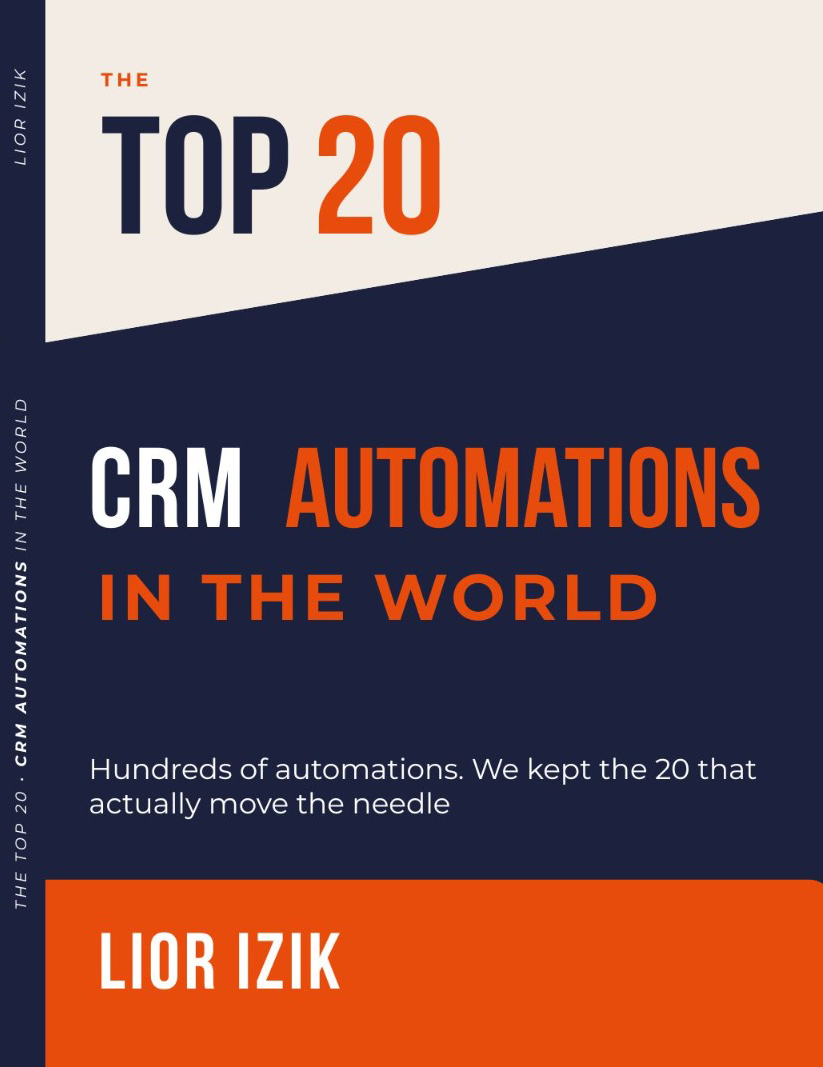
I really enjoyed this book. I read it in one sitting on a flight to China and was able to take away some great information and useful tools.

ZOHO FUNCTIONALITY Upwork Reviews 5 stars

Lior is excellent!! His technical ability far surpassed my expectations and his communications skills and recommendations based on his past job

AGENCY FLIGHT PLAN Zoho Reviews 5 stars

Lior provides exactly what his Company name claims to provide: Amazing Business Results! I am a new Zoho One user and was very overwhelmed at first. So-

CHRISTINA TORRES Google Reviews 5 stars

I work with Lior! He is an amazing boss!

NEXT STEPS Upwork Review 5 stars

Lior knows his stuff, understood my business requirements, and was good at getting me comfortable using Zoho CRM in a way that I need to be using it.

GITABS.COM Zoho Reviews 5 stars

He has some great videos on YouTube that helped with CRM and other apps too!

DIANA TAHA Google Reviews 5 stars

Perfect support, excellent understanding, and great communication. It was a great experience to get our CRM modifications done easily.

ZOHO CRM PLUS CUSTOMIZATION FOR REAL ESTATE Upwork Review 5 stars

Easily the best Zoho Developer I've worked with to date - or Developer in general. Prime example of you get what you pay for. Fixed an absolute mess

SEAN Zoho Reviews 5 stars

Lior is a great teacher and he truly wants your business to succeed. He implements a very simple approach and loves educating his clients and the general populace

WILLIAM RAU Google Reviews 5 stars

One of the best Zoho Partners and Instructors you will find on the market. His course and knowledge are pure value!

ZOHO ONE SETUP Upwork Review 5 stars

Lior is great to work with. He has guided and helped me with a very complicated Zoho One implementation including CRM and many of the other apps. He does

LIFT & CARE SYSTEMS Zoho Reviews 5 stars

I’ve been following Lior for several months. As a new Zoho One user, I find his videos on YouTube great and very helpful with detail that makes it easy to understand.

ANDERSON RUYSAM Google Reviews 5 stars

Lior is an amazing person and professional!! We highly recommend him!!

ZOHO SALES SETUP Upwork Review 5 stars

Great experience. highly recommended!

STEPHANIE LERNER HOMES Zoho Reviews 5 stars

I am a real estate agent that was referred by one of Lior’s existing clients! He helped me structure my CRM to facilitate all my real estate needs! Lior is always

COREY THOMPSON Google Reviews 5 stars

Lior is transparent, honest, and very knowledgeable in both technology and business growth and development.

CUSTOM ZOHO PROJECT Upwork Review 5 stars

Amazing work. Will definitely use Lior's services again.

WORQOUT Zoho Reviews 5 stars

The only partner that actually WORKS!!! Lior is absolutely the best of the best. Thank you so much!

AVIV TURGEMAN Google Reviews 5 stars

Human behaviour flows from three main sources: desire, emotion, and knowledge. Lior, without a doubt, you possess all three. Thank you for your help !

ZOHO DEVELOPER FOR APP SET-UP Upwork Review 5 stars

Lior is a pleasure to work with and a master of his field. He is incredibly knowledgeable, responsive, and patient. Working with him is an overall great

KIMBLELABS Zoho Reviews 5 stars

Lior provides thorough and practical explanation and application of Zoho concepts. He's entertaining and has good production quality to his videos. Looking
Just signed up for Zoho?

Having a reliable Zoho partner makes your life easier - and it doesn't cost you anything!

When you assign us as your Zoho partner, we will have your back and can proactively solve any problems that come up.

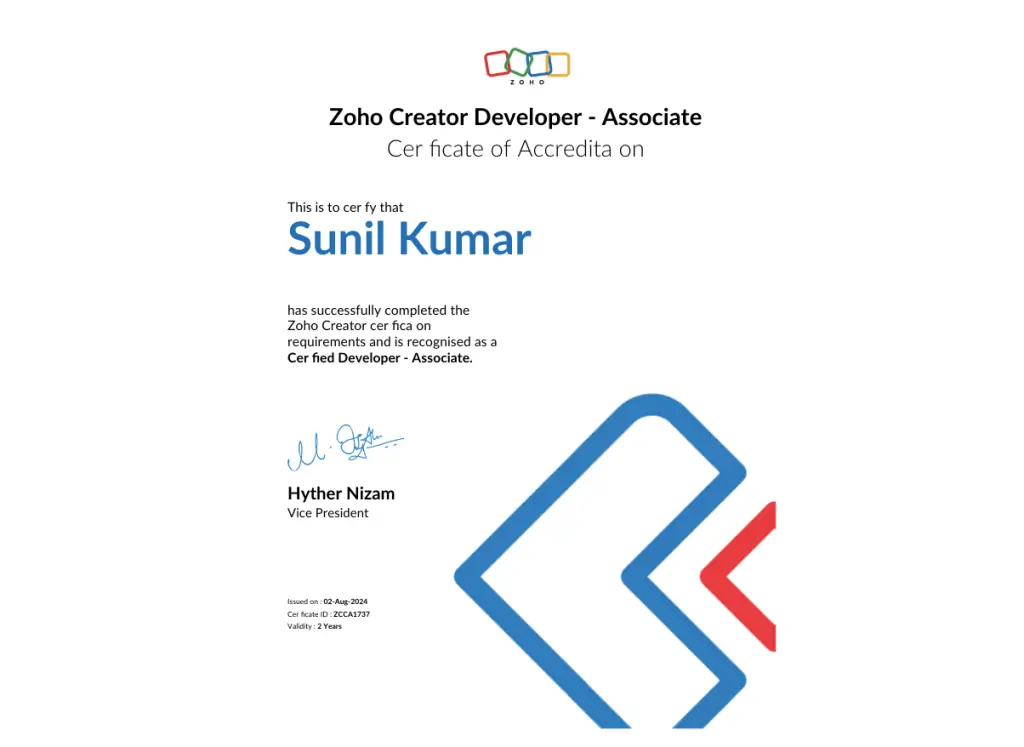
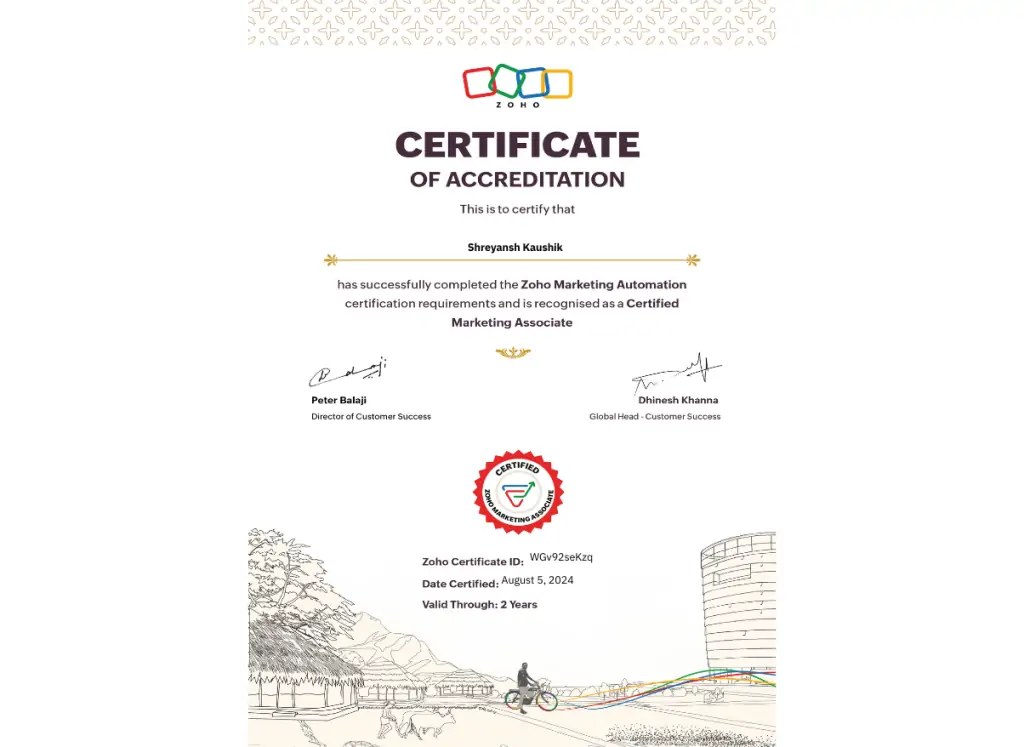
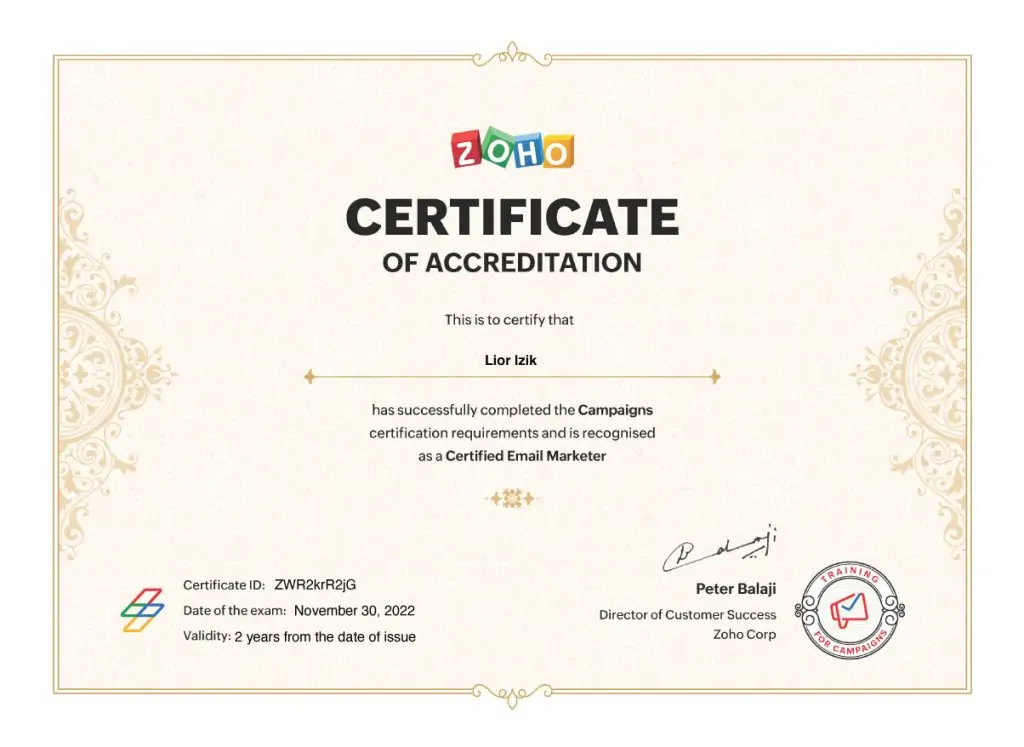
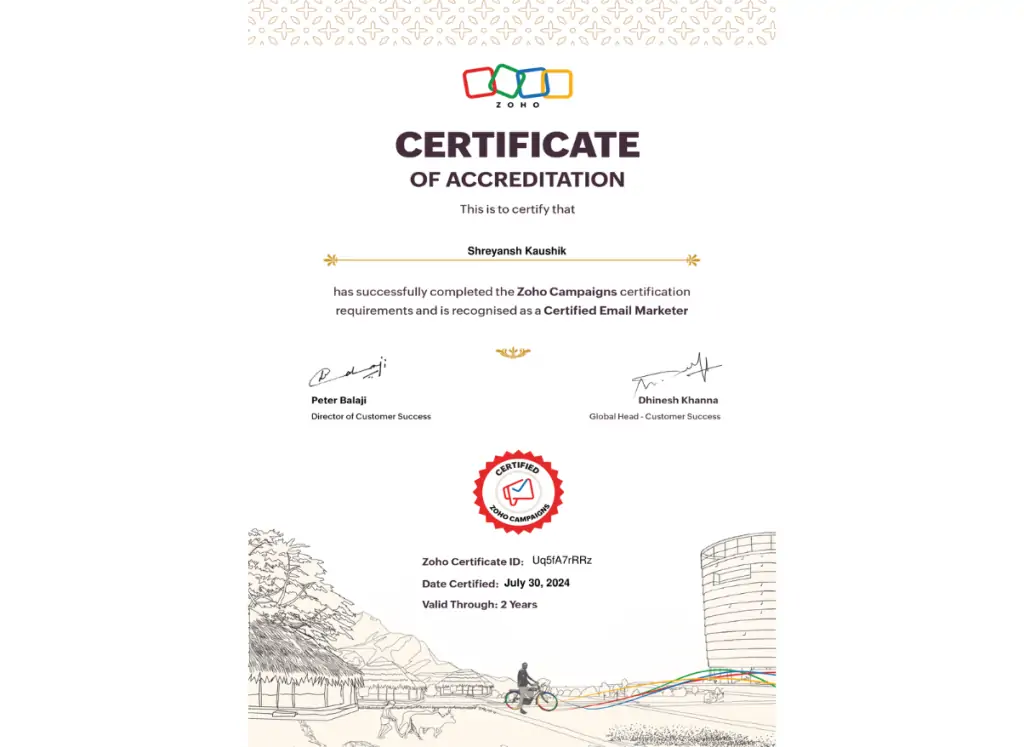
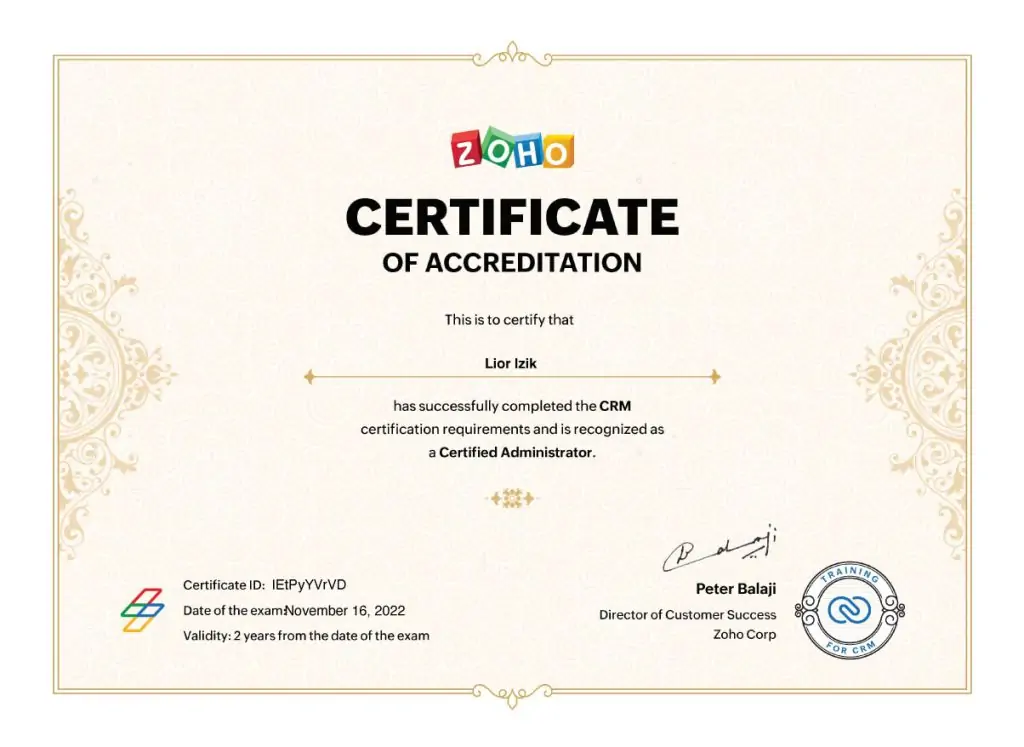
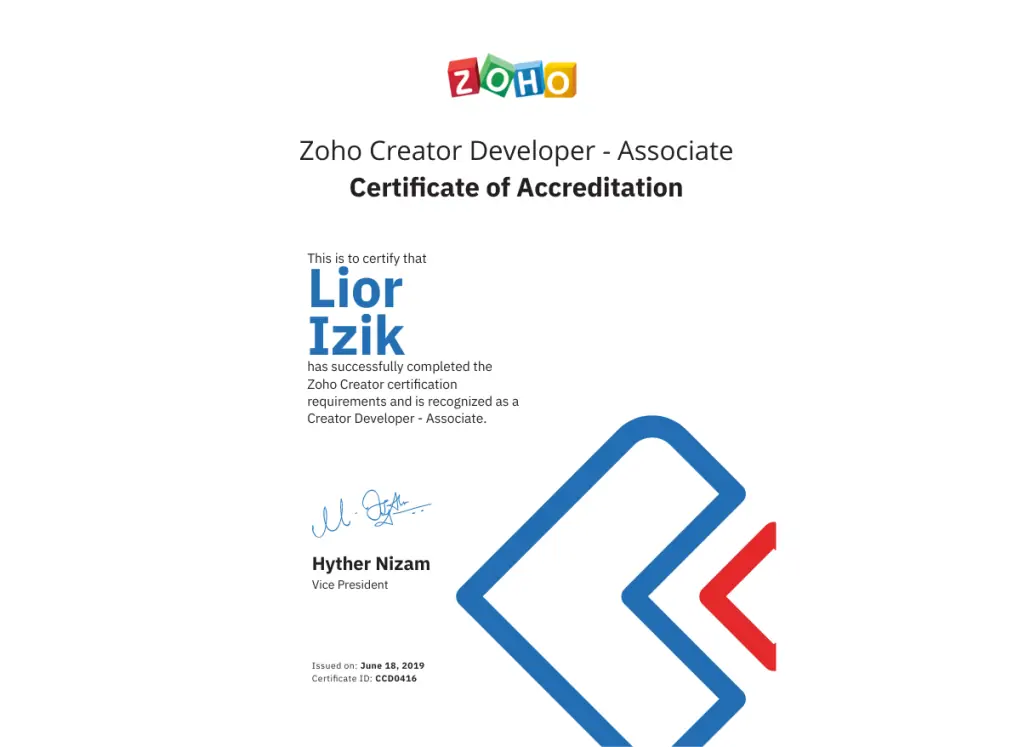
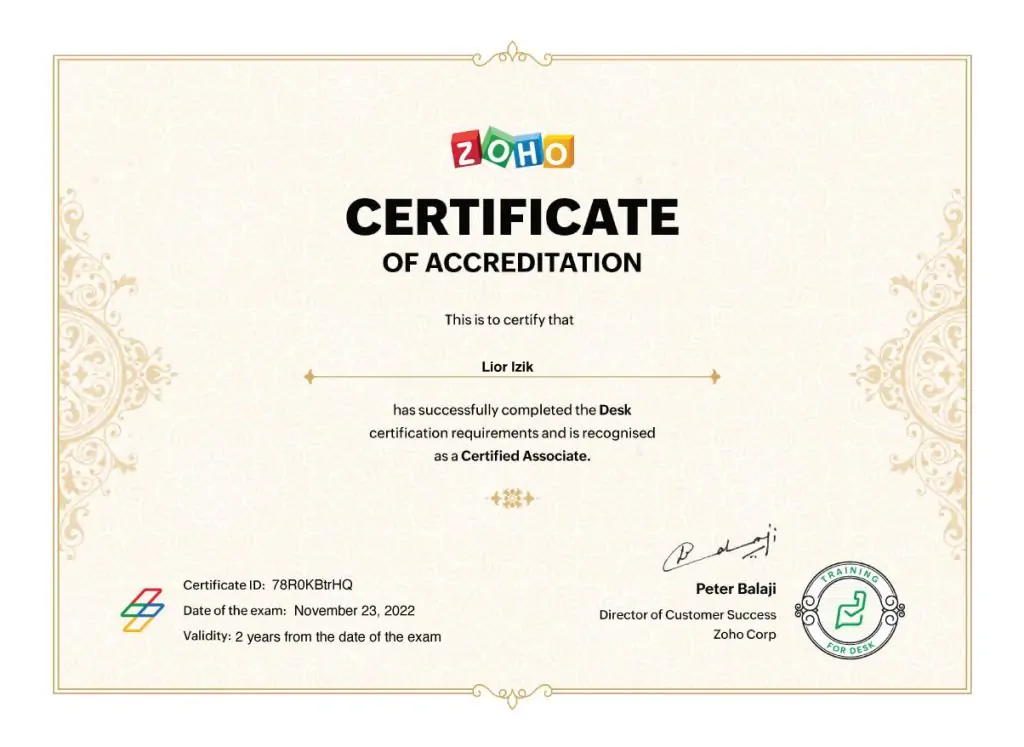
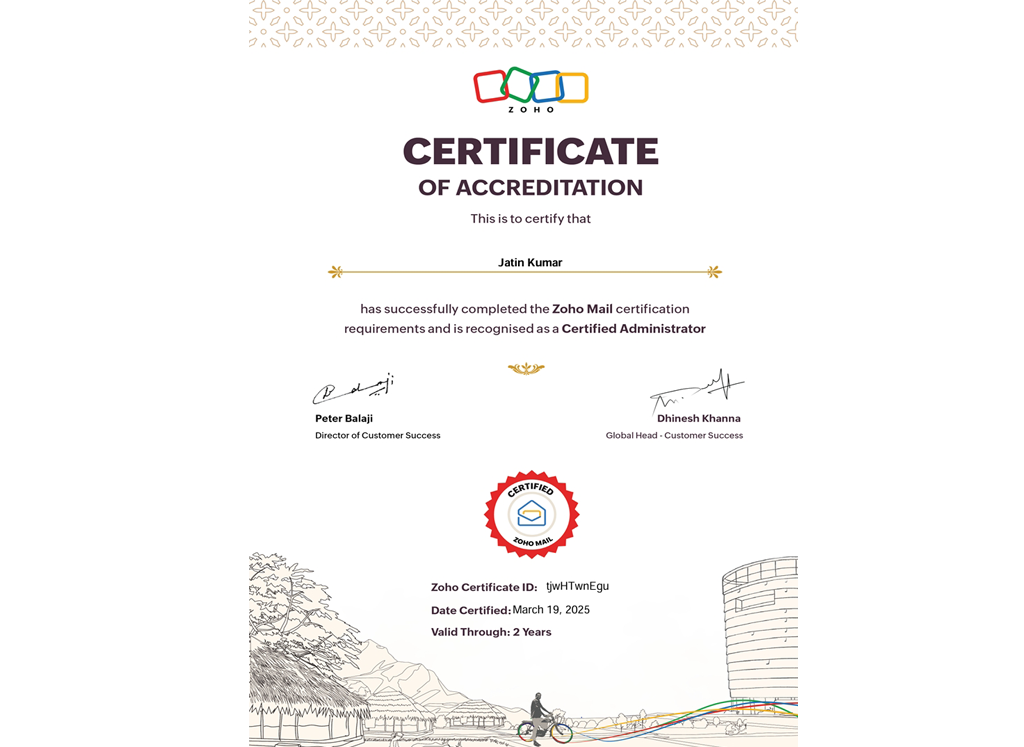
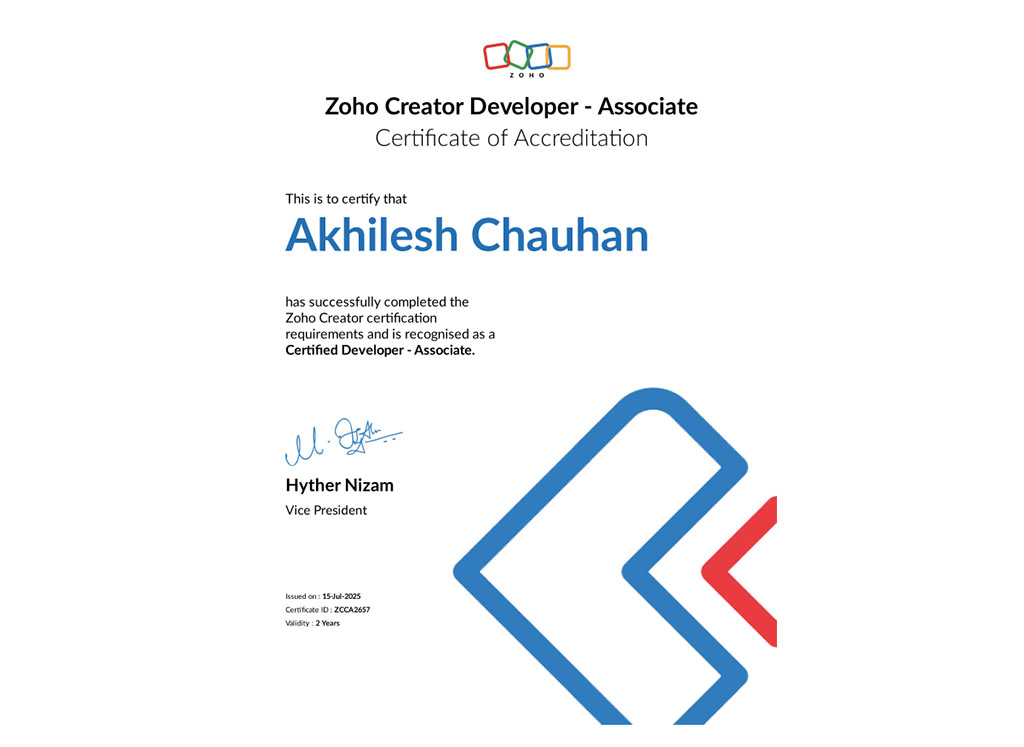
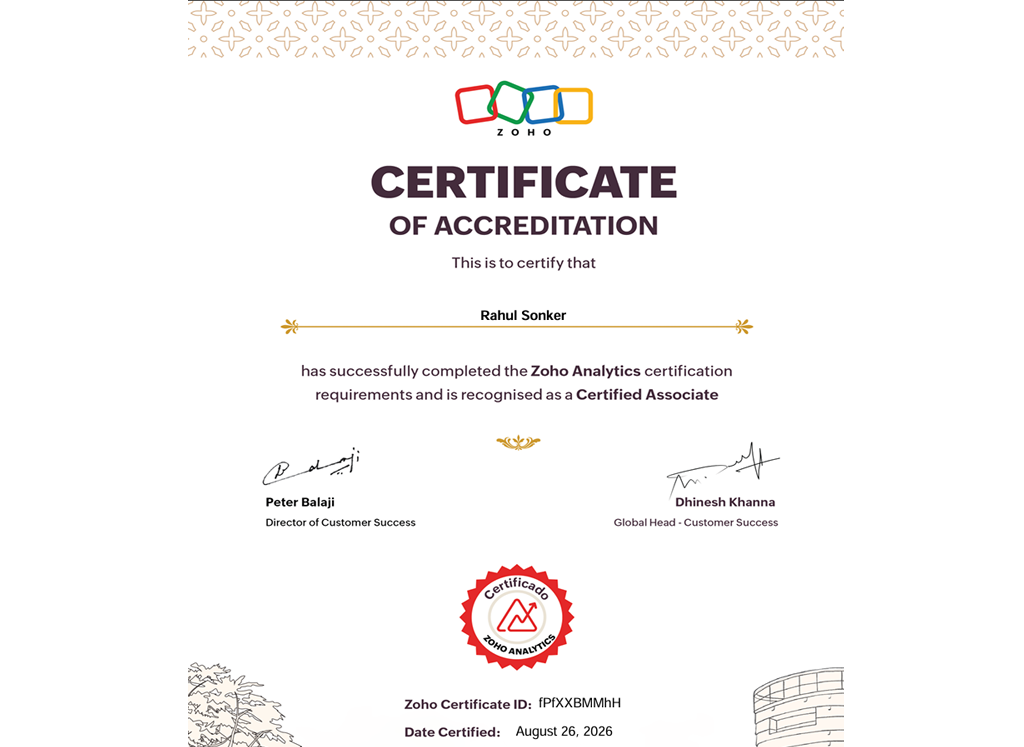
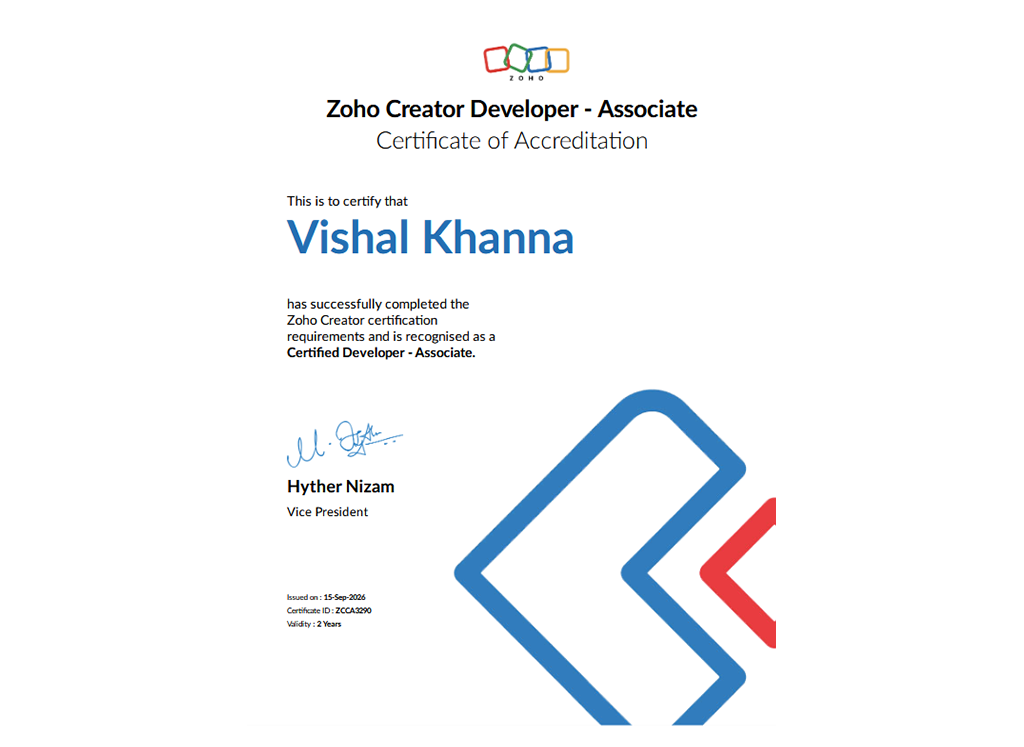
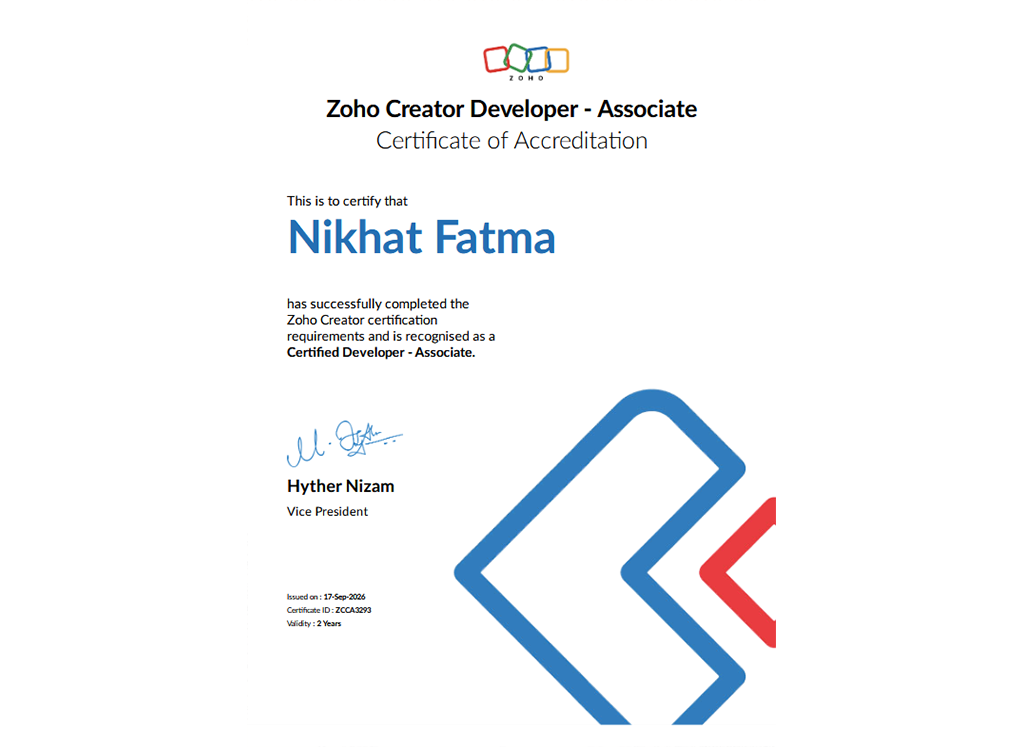
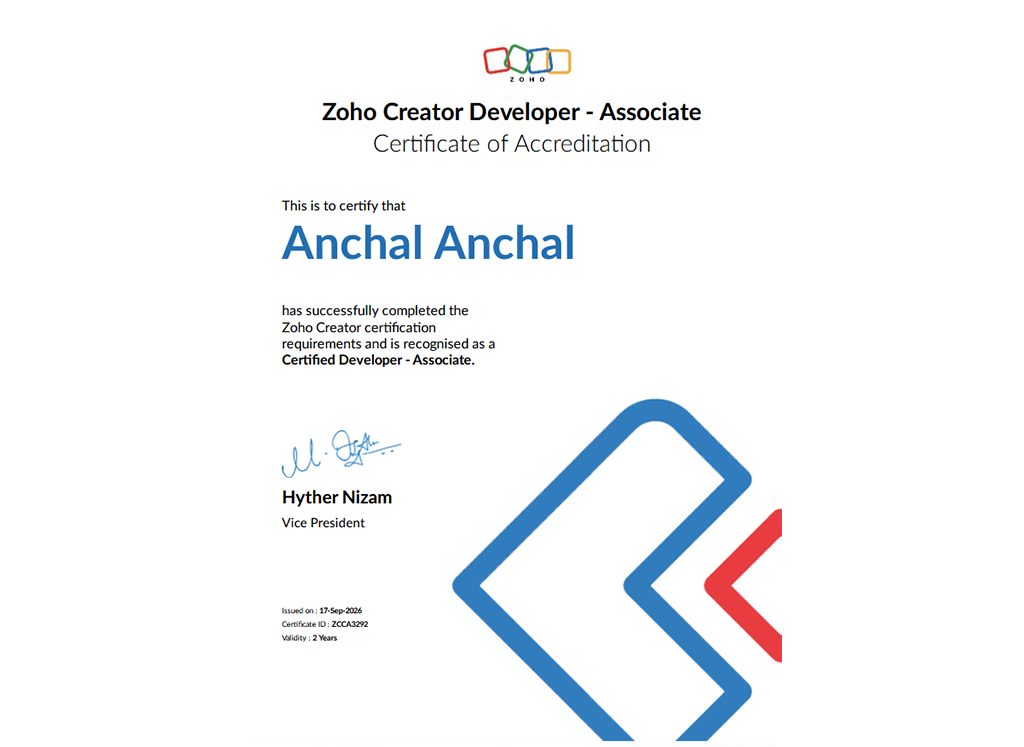
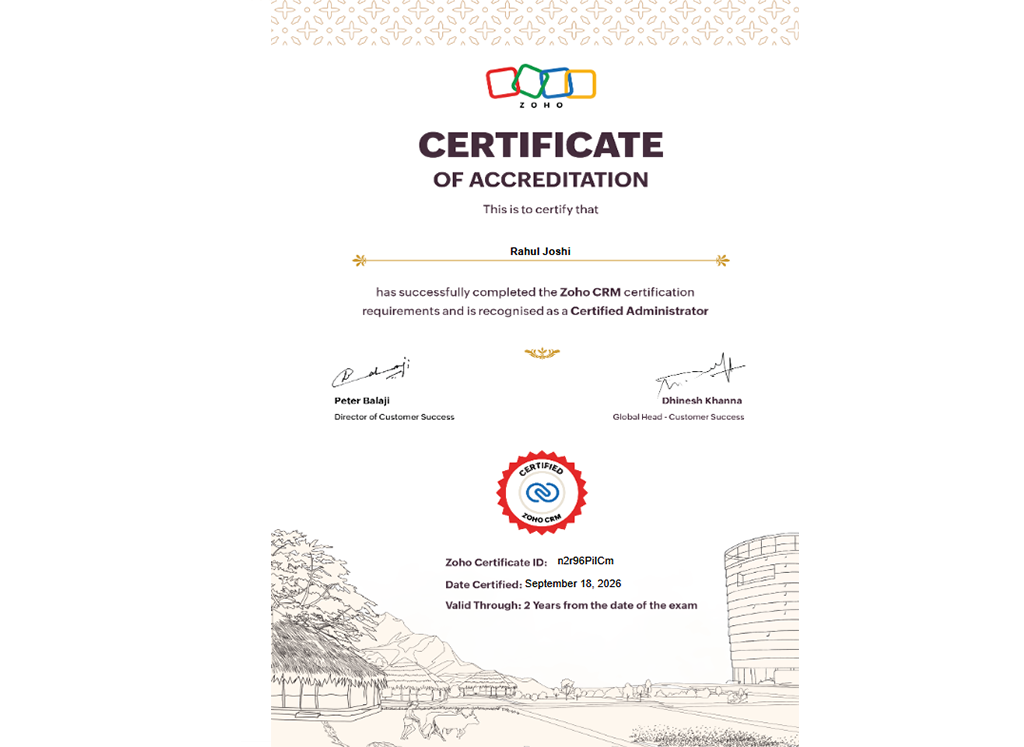
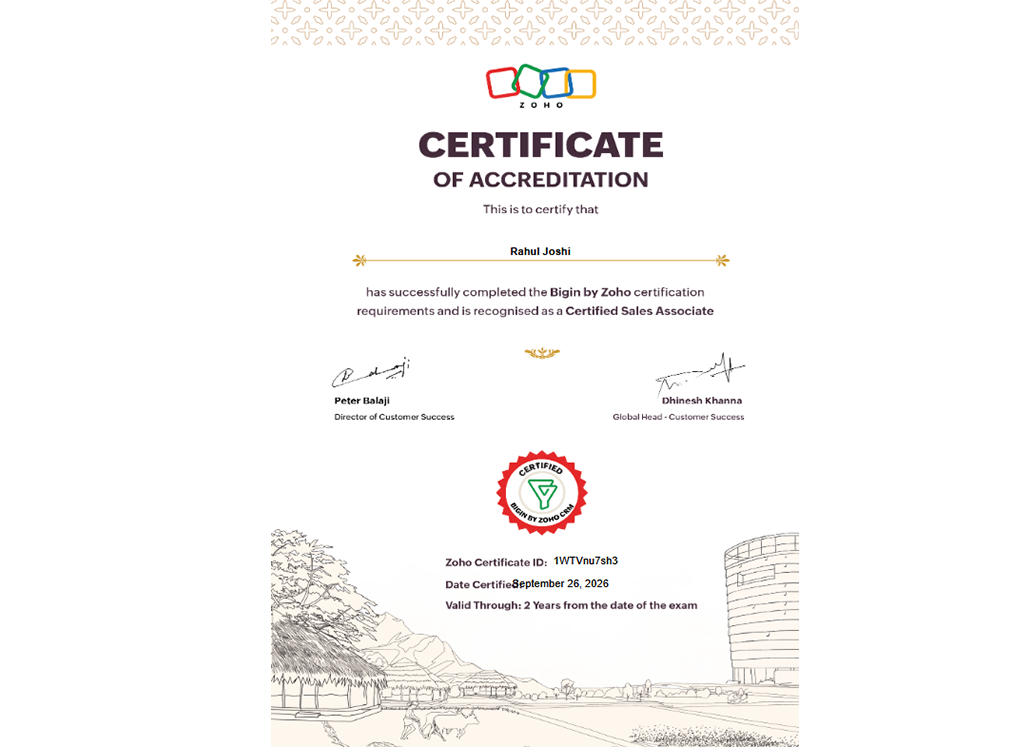
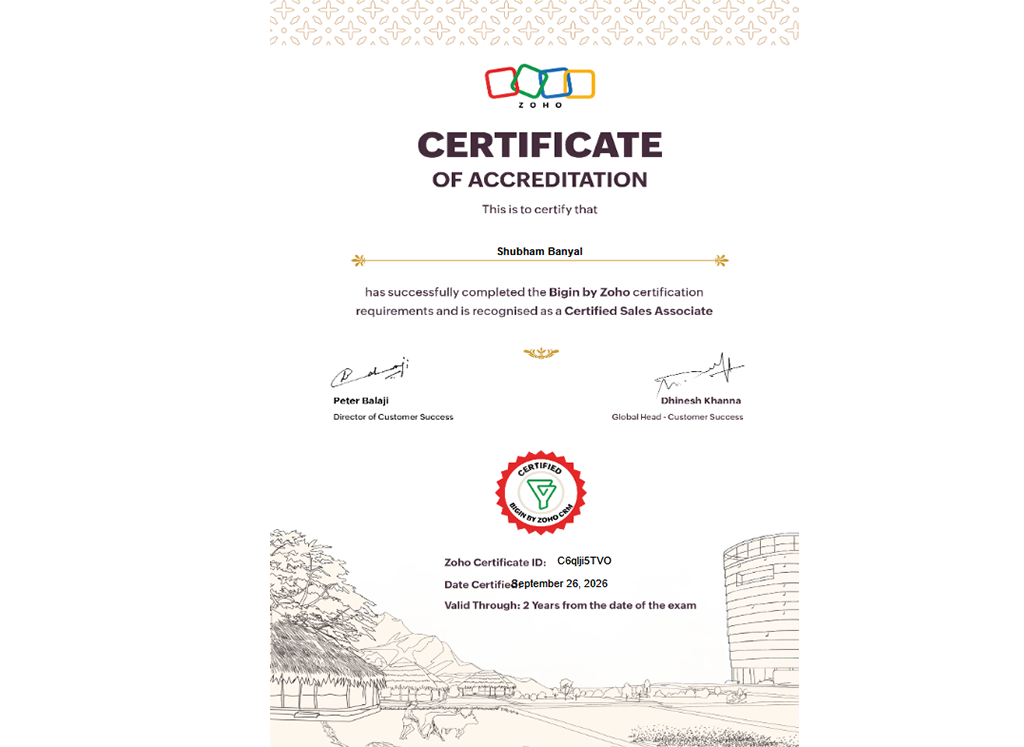
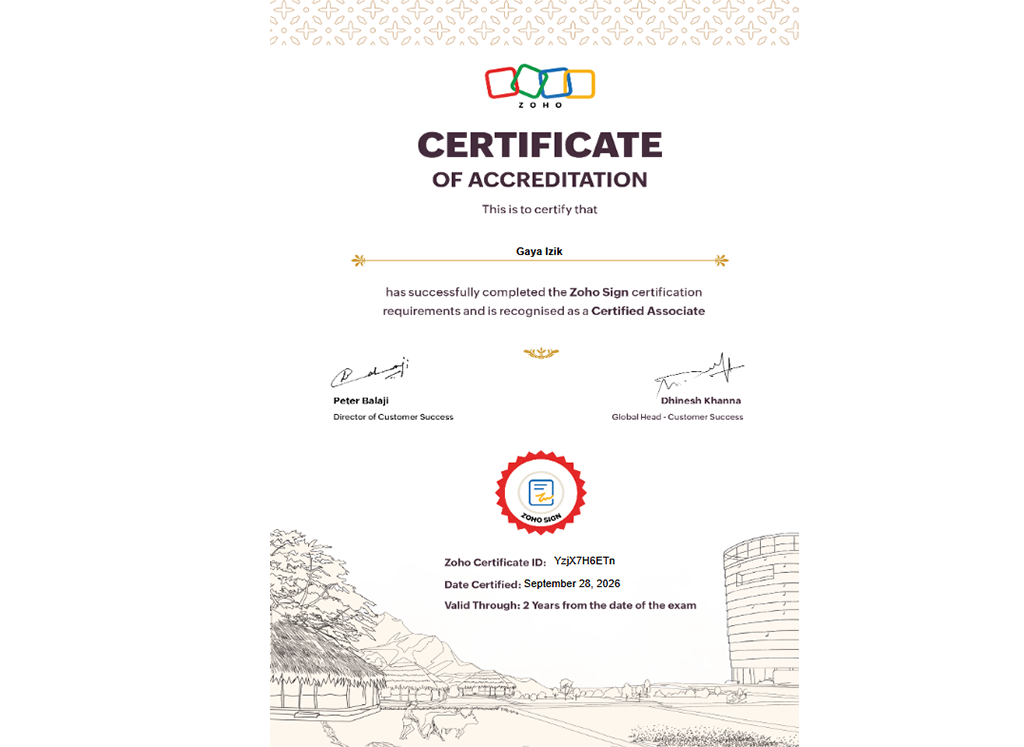
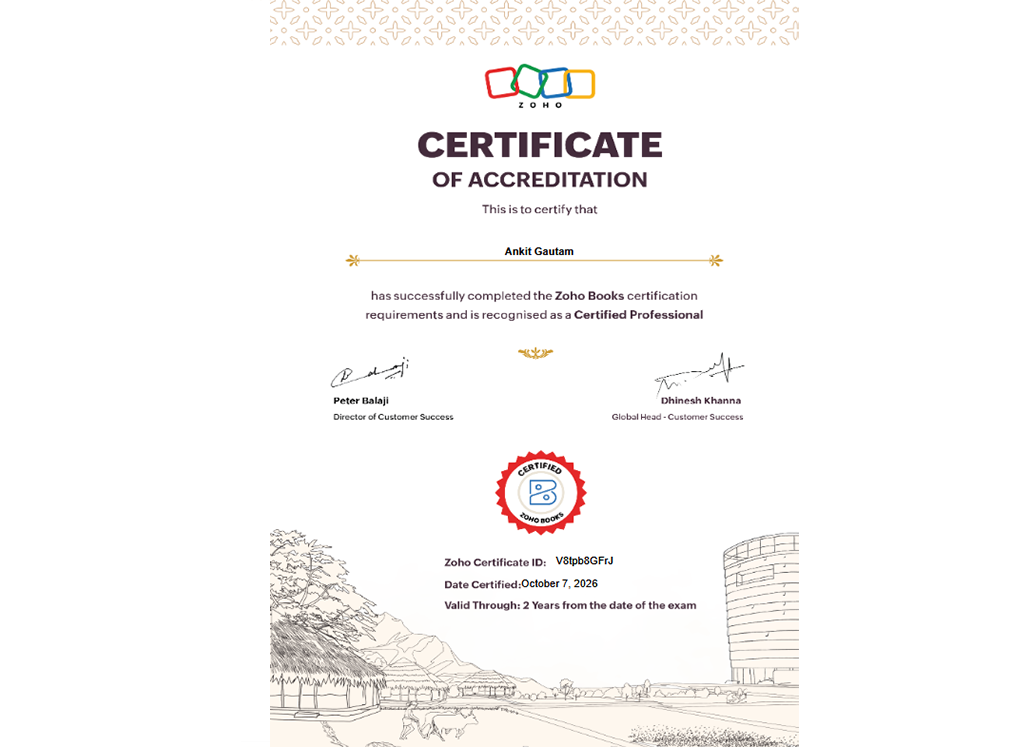
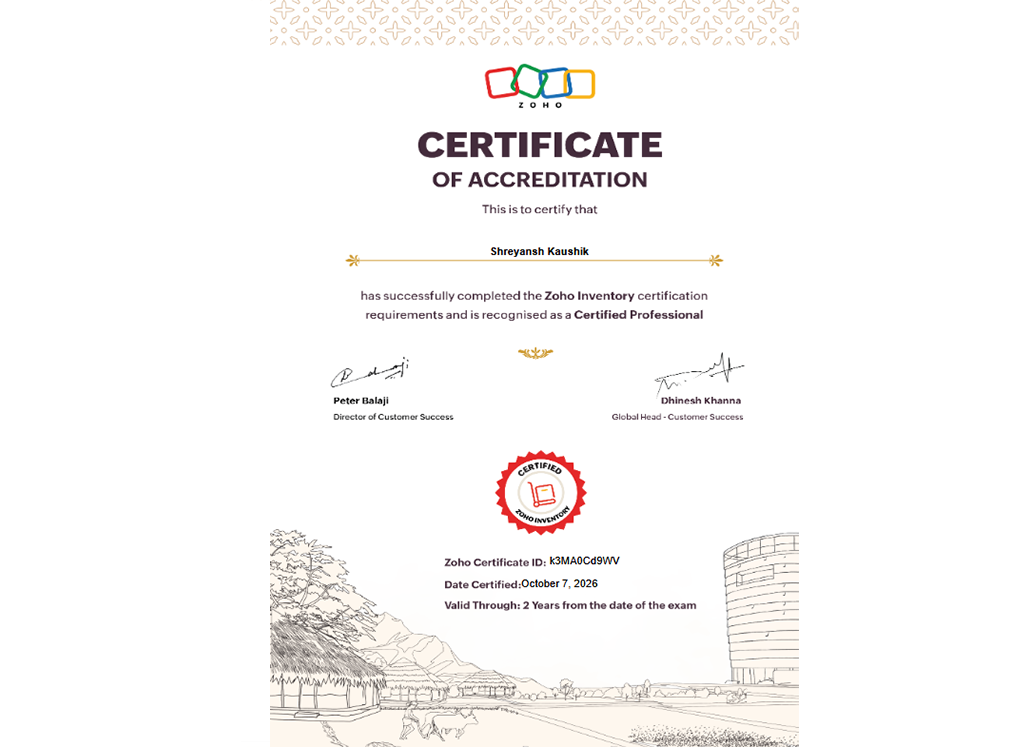
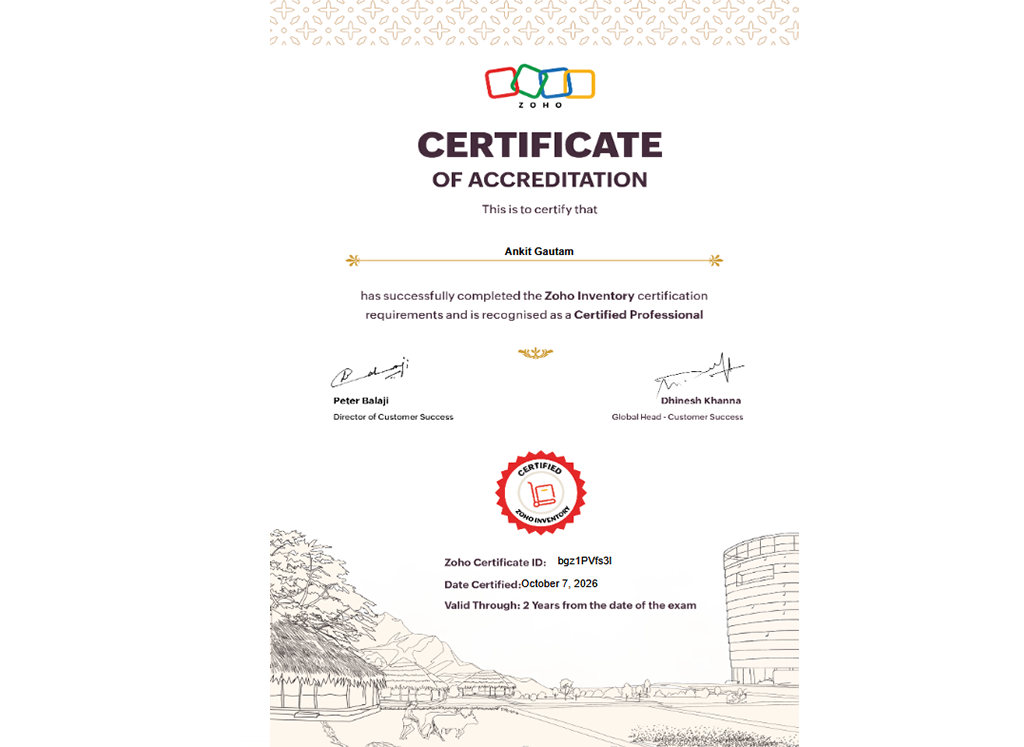
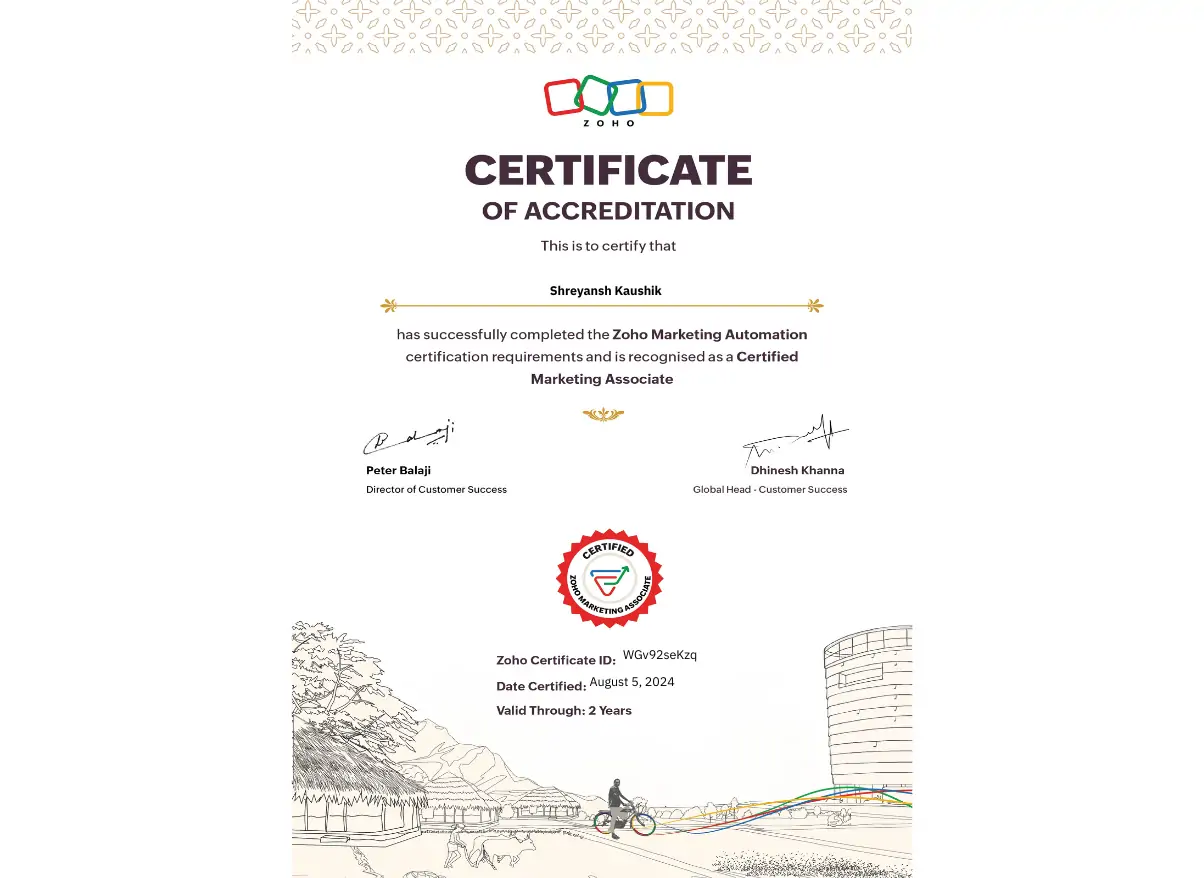
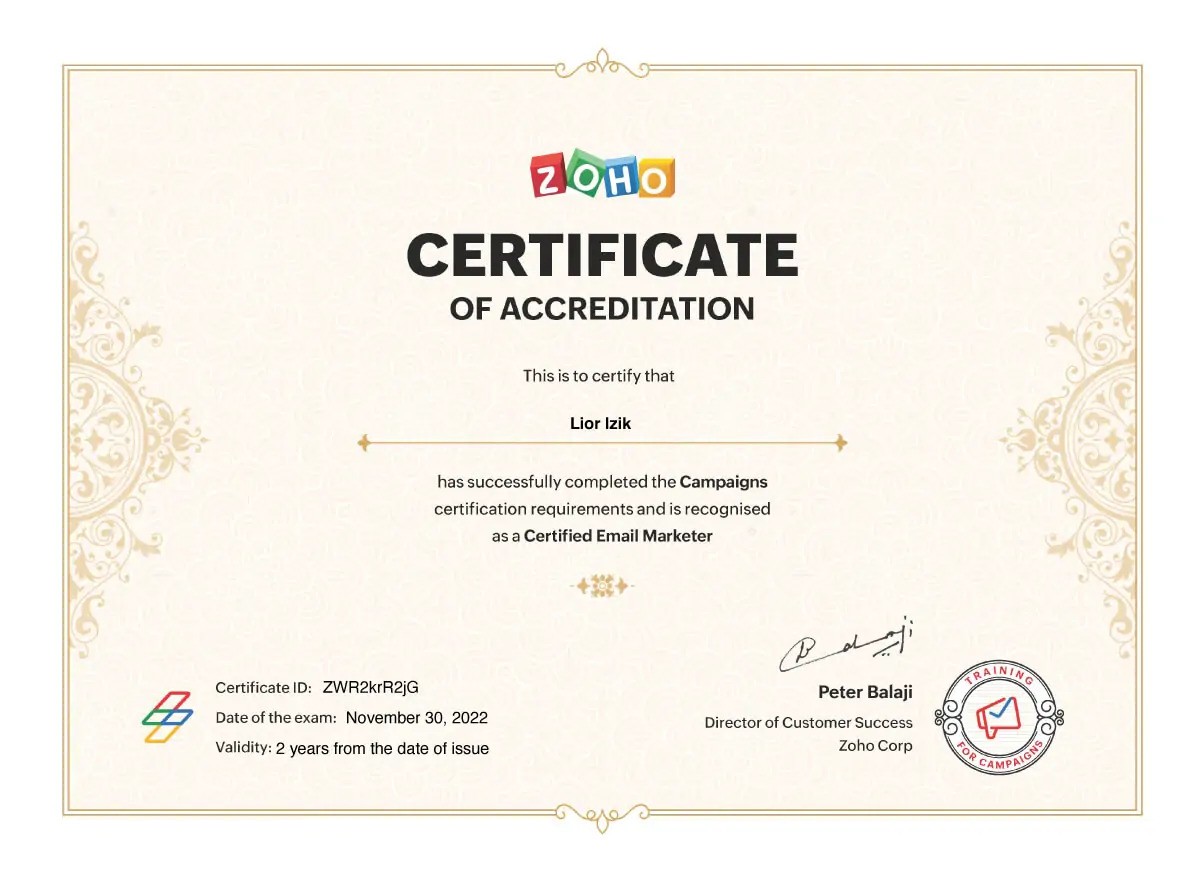
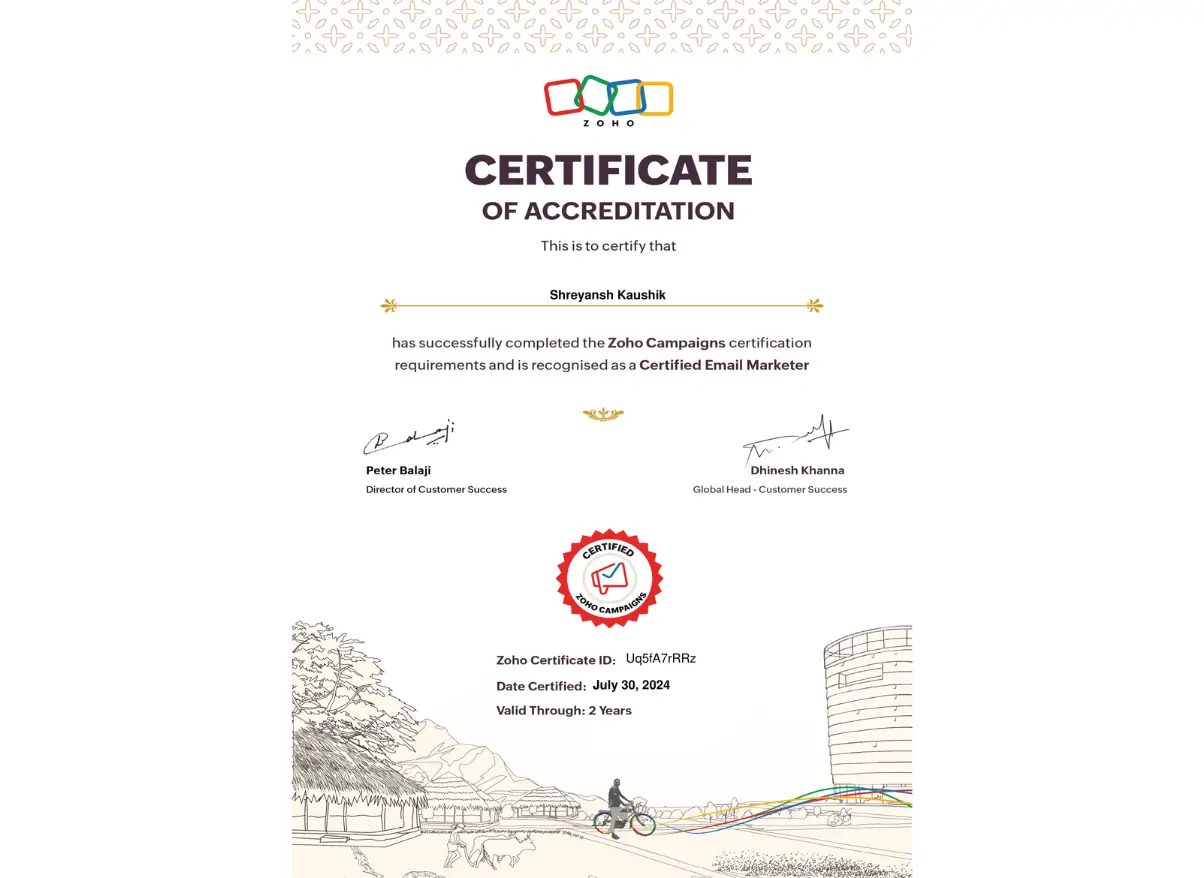
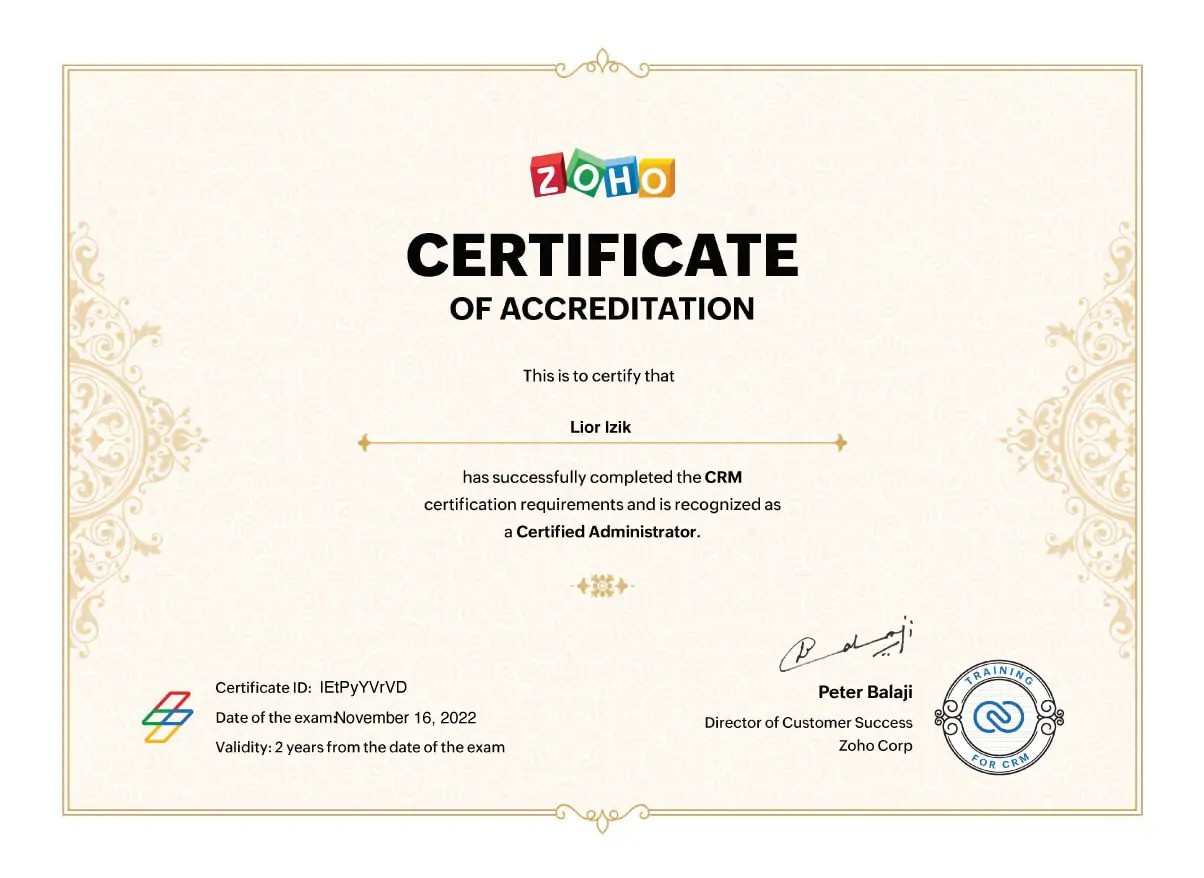
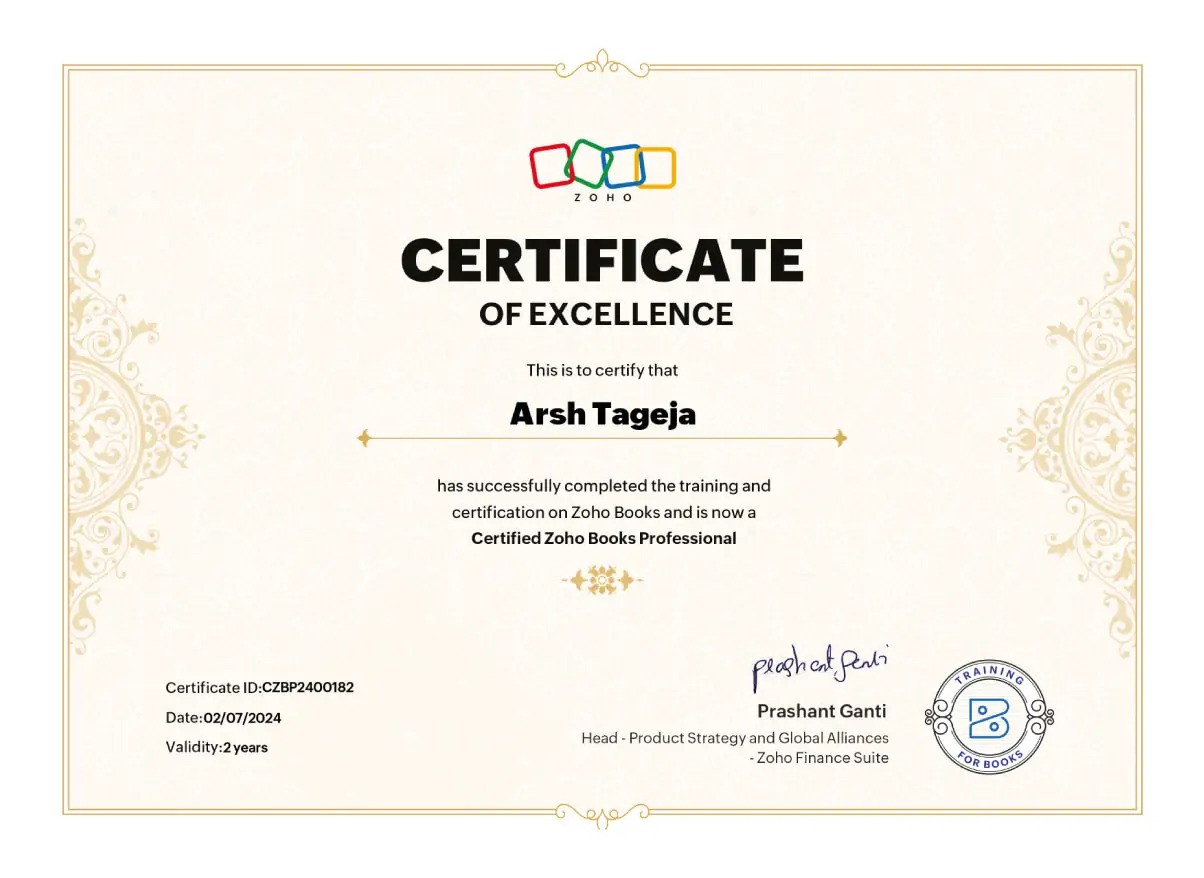
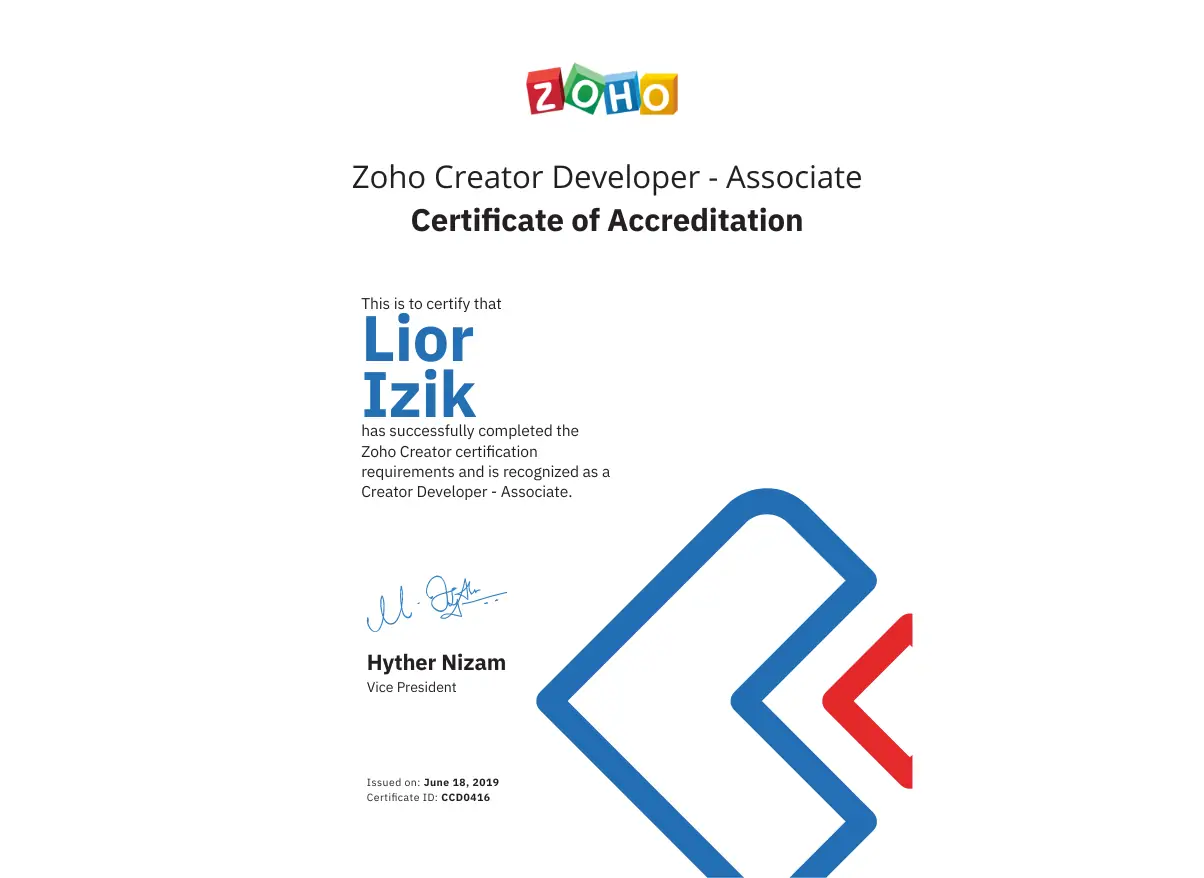
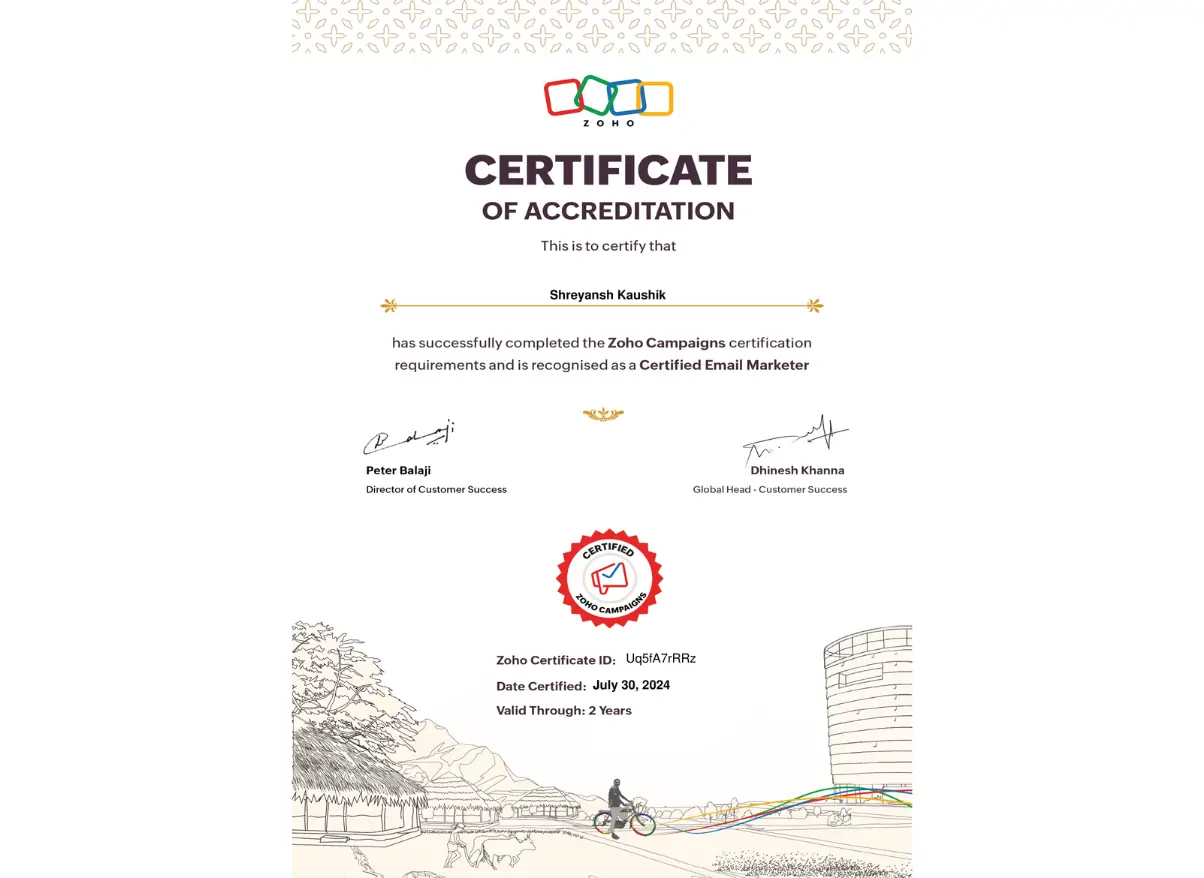
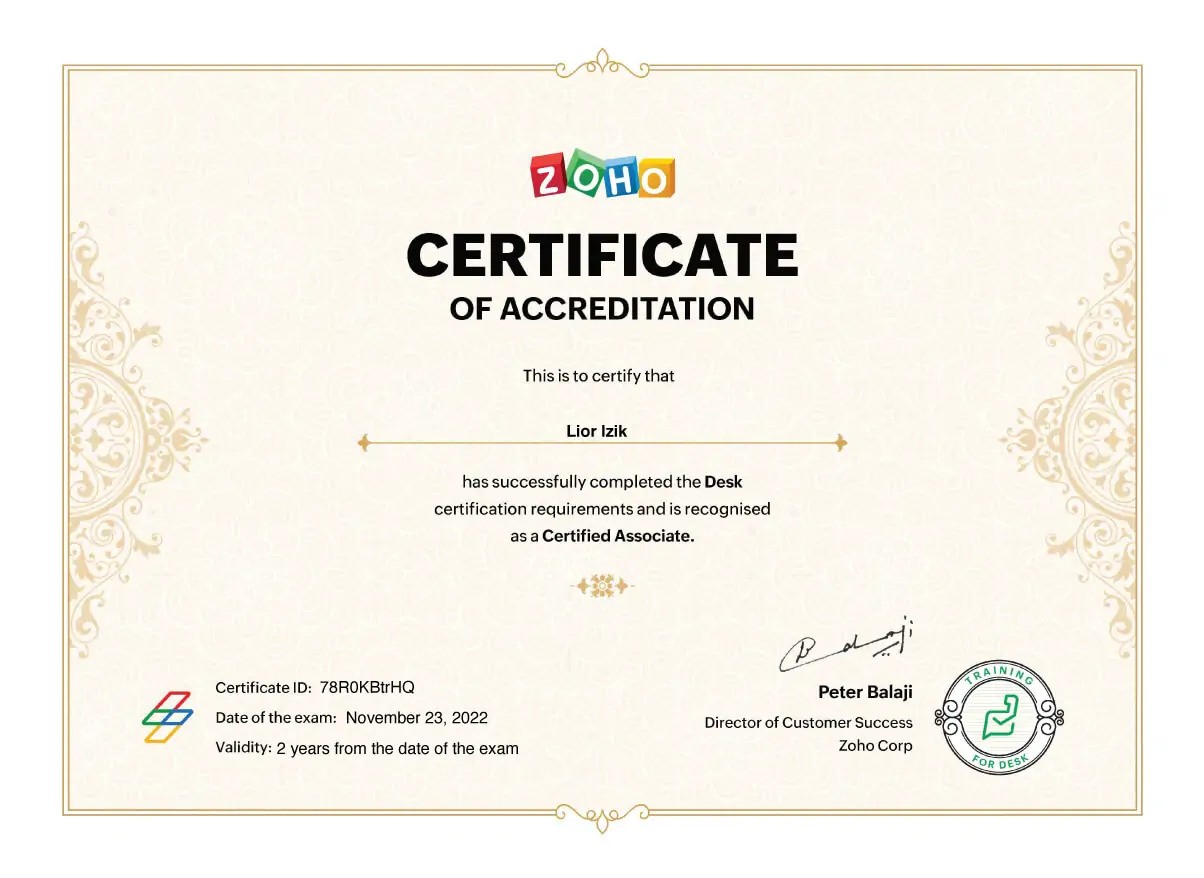
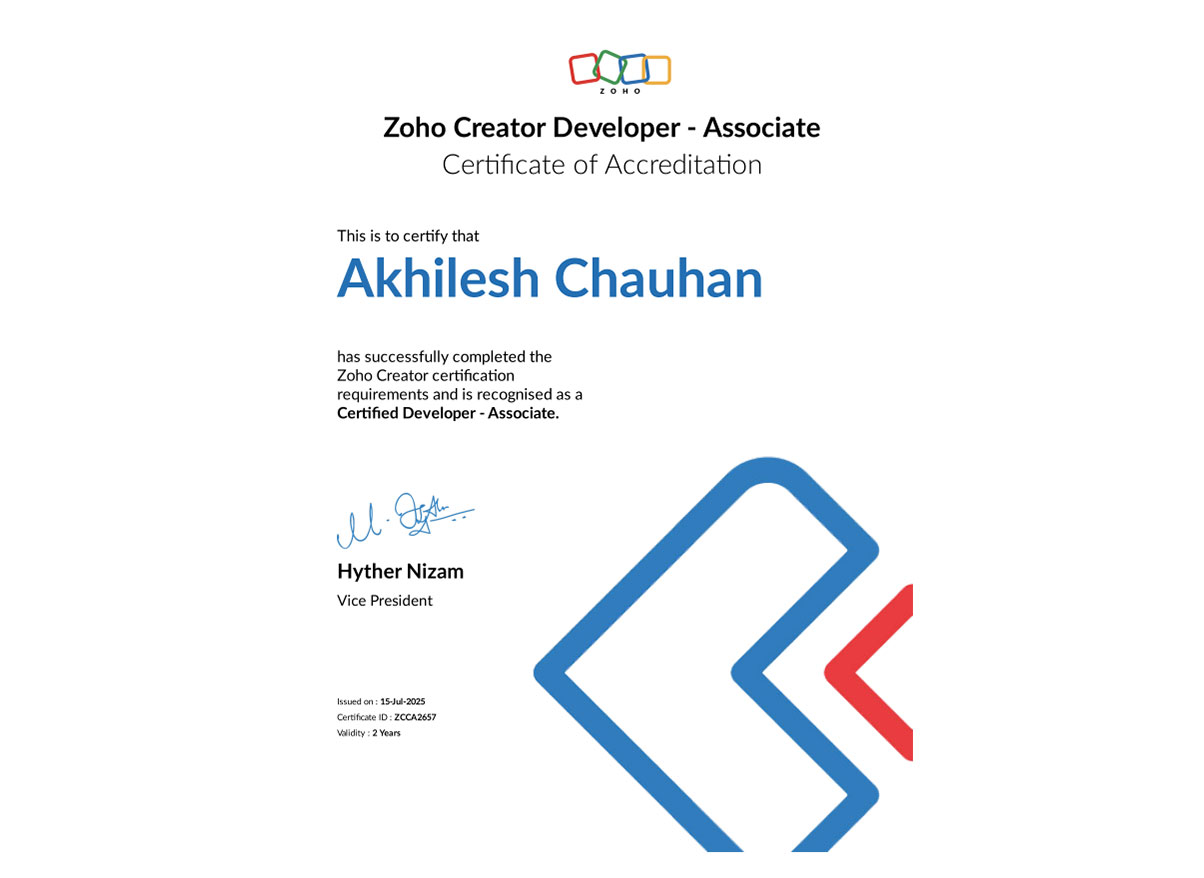
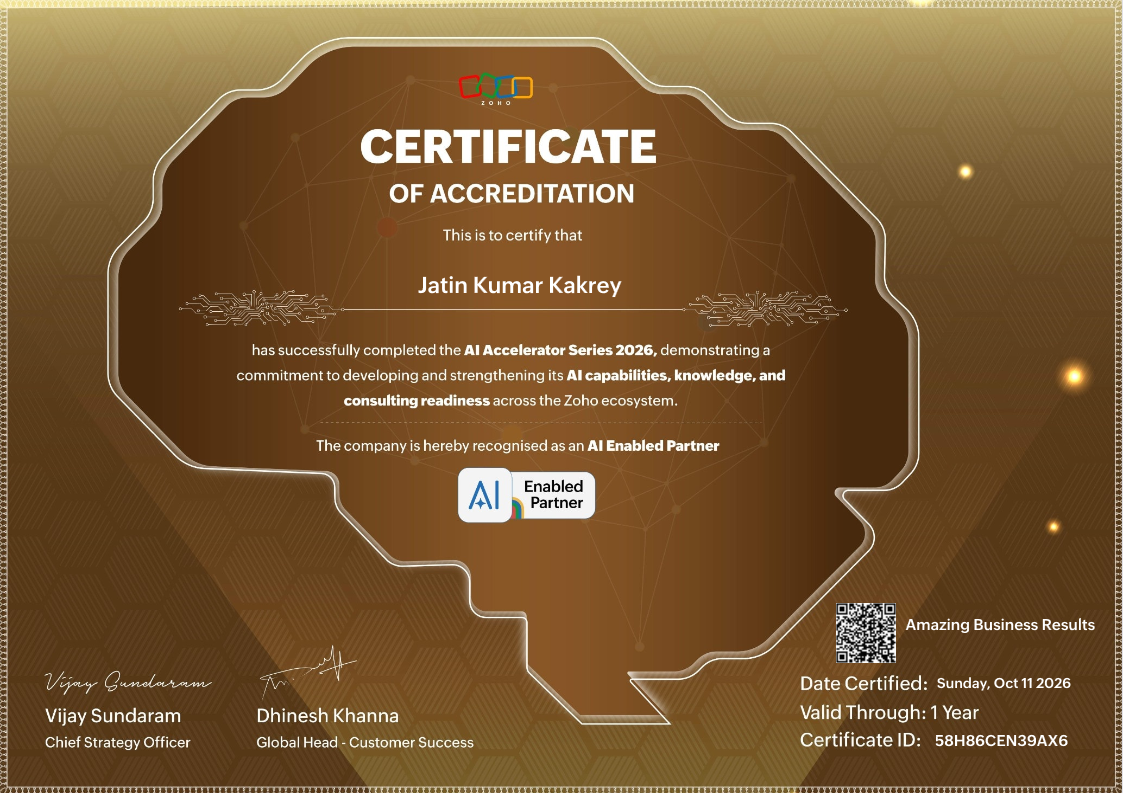
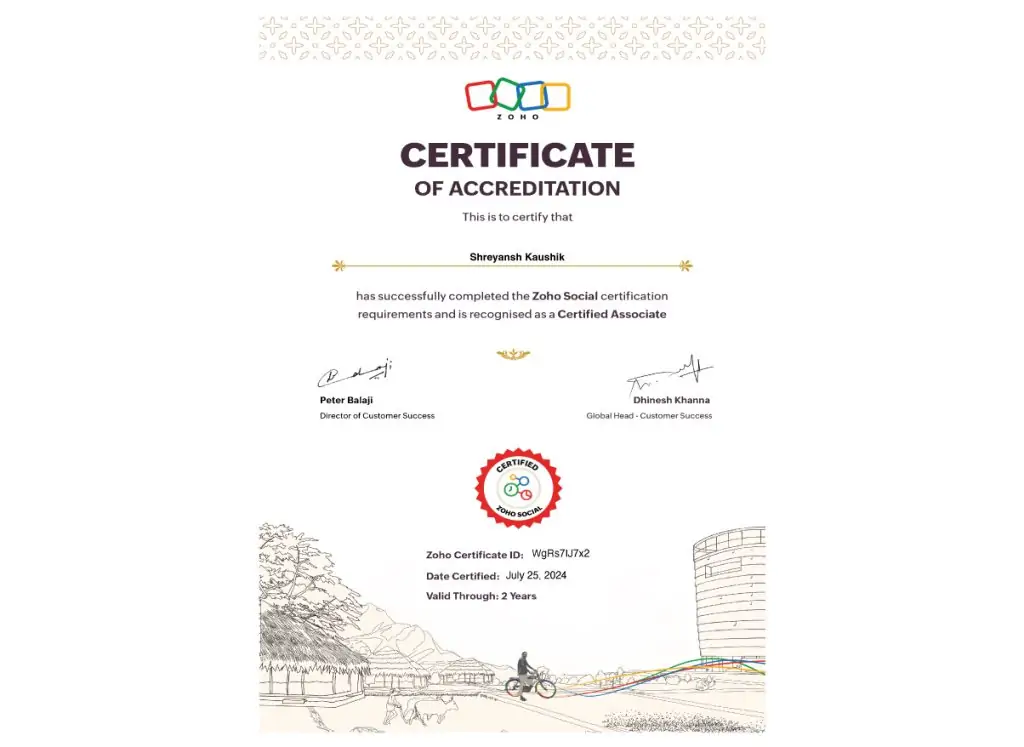
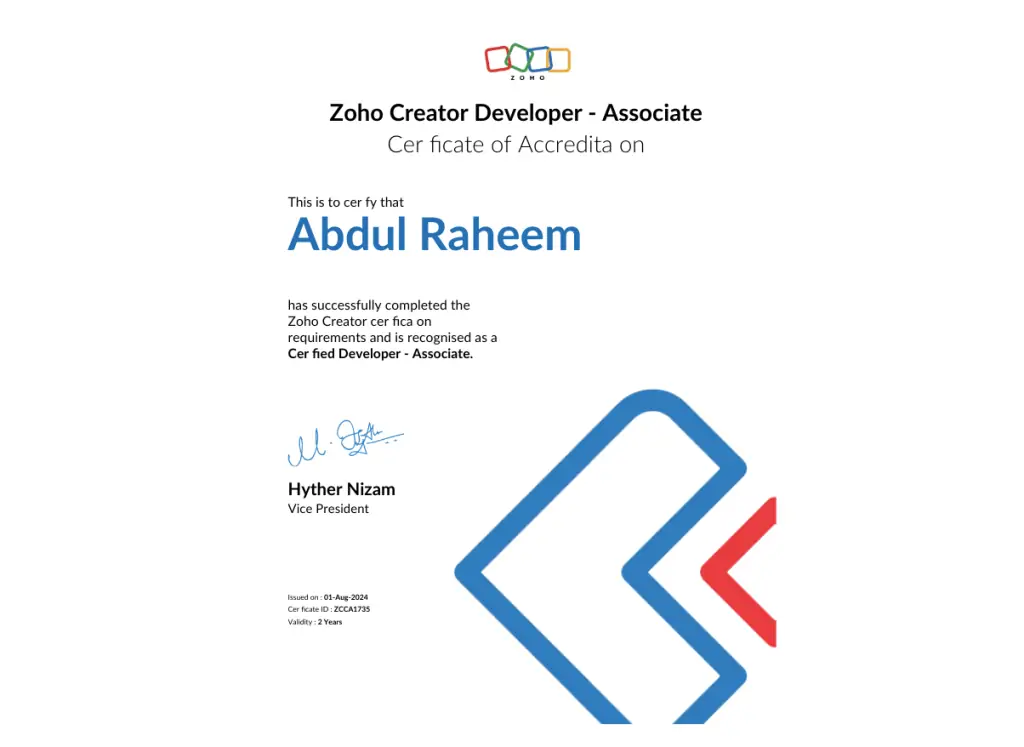
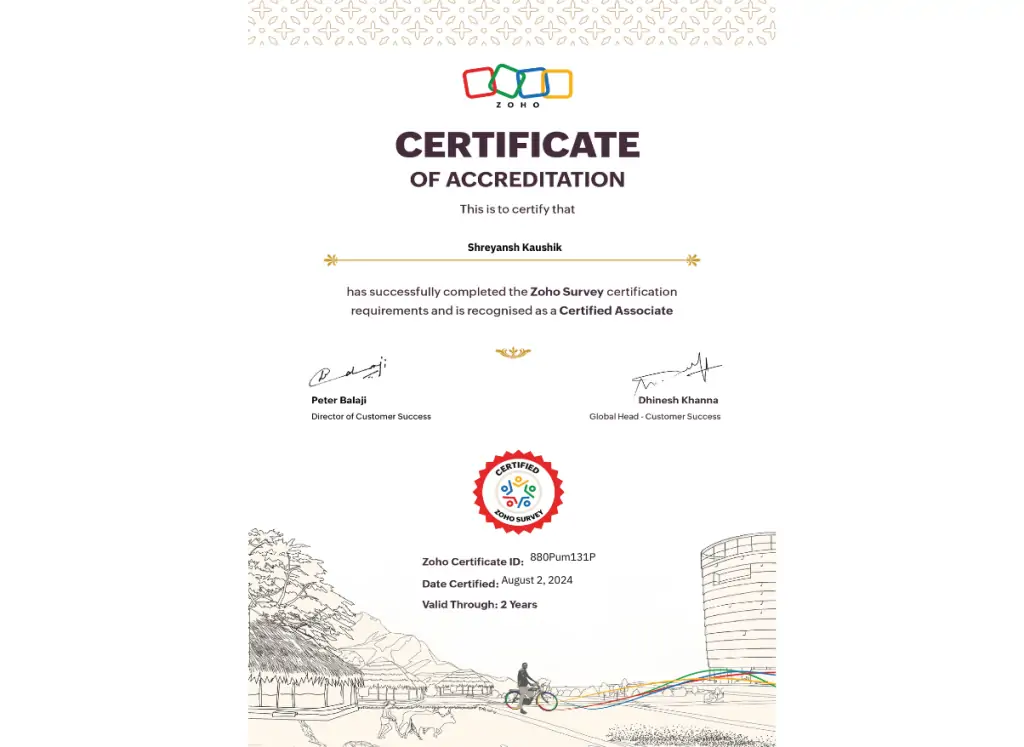
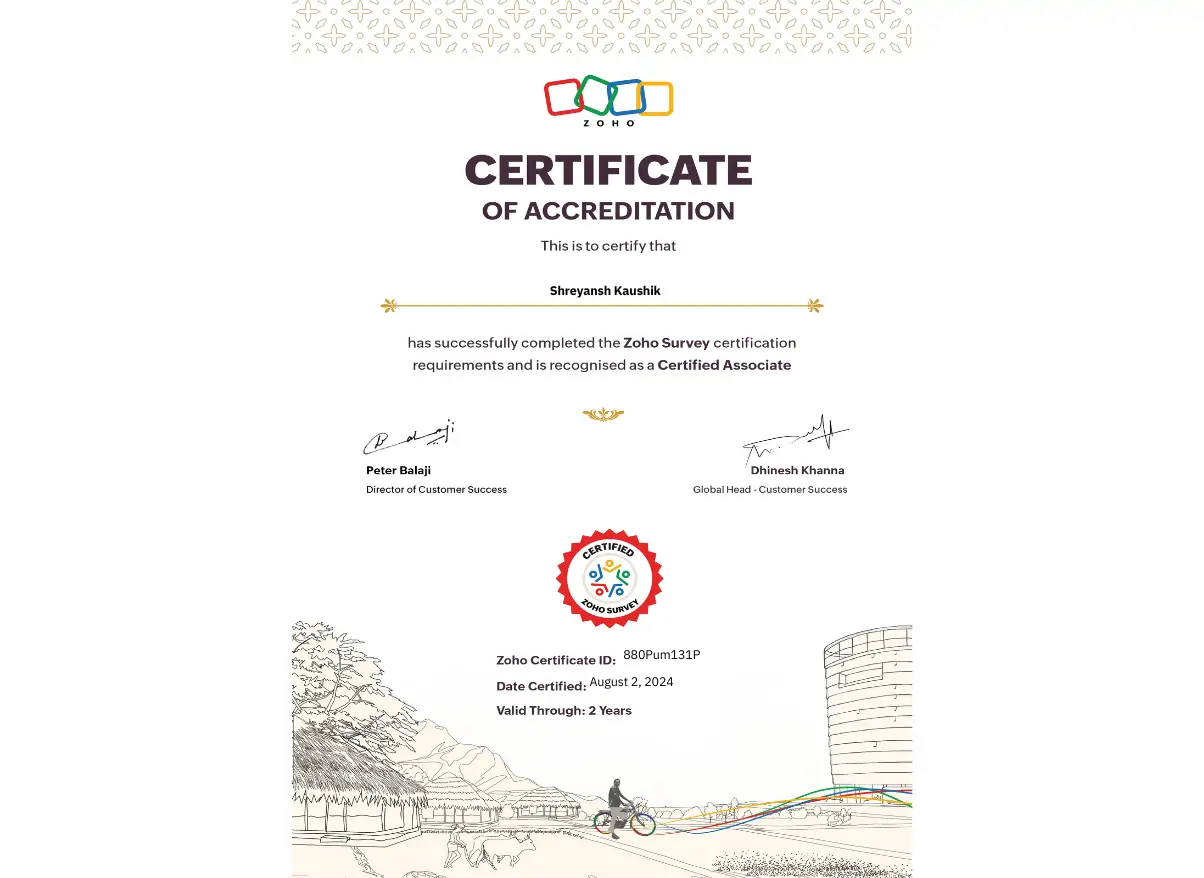
Accreditation...

Some of the companies Lior has worked with

COM solve logo
mez design logo
MOTOR Dimensions logo
Conrad logo
cufio logo
Catech logo
logo
kobo logo
JVC logo
Indigo logo
logo
Xerobank logo
wikidomo logo
deadmau5 logo
T mobile logo

Latest Videos From Our YouTube Channel

Choosing the right accounting system can either support your growth—or quietly limit it.
In this in-depth breakdown, we compare Xero and Zoho Books from a real business owner perspective.

This Xero vs Zoho Books comparison is not about features on a pricing page. It’s about how these platforms actually perform when your business starts growing, hiring, automating, and adding complexity across finance, operations, and sales.

In this session, Lior Izik (Founder of Amazing Business Results and Zoho Premium Partner) is joined by Simon Fedorovsky (CEO of SFIR Consulting) to unpack how Xero and Zoho Books handle real-world business challenges. We cover everything from pricing and user permissions to automation, inventory, CRM integration, and long-term scalability.

This conversation is especially relevant for founders, CEOs, and leadership teams evaluating accounting software for business owners who want more control, better reporting, and fewer workarounds as they scale.

Key takeaways from this session:
• The real difference between owner-led vs accountant-led accounting platforms
• Xero pricing vs Zoho Books and how cost impacts growing teams
• Why Zoho Books automation workflows matter for finance and operations
• Where Xero accounting limitations show up as your business matures
• How Zoho Books inventory management supports assemblies and warehouses
• The importance of native integrations vs fragile marketplace connectors
• Why Zoho Books CRM integration changes how sales, finance, and operations work together

If you’re comparing Xero vs Zoho Books for small business growth, this session will help you understand which system aligns with long-term strategy instead of short-term convenience. This Xero vs Zoho Books comparison also highlights how business coaching and business consulting perspectives can drastically change how you evaluate accounting software.

Timestamps
1:34 Topic 1 — Owner-Led vs. Accountant-Led Businesses 
5:34 Topic 2 — Pricing and Cost Effectiveness 
7:10 Topic 3 — Growing Teams and User Management 
11:22 Topic 4 — Automated Focused Workflows 
14:02 Topic 5 — Manufacturing and Inventory Management 
17:45 Topic 6 — Integration with Finance Tools and Expense Management 
19:54 Topic 7 — Online Platforms and E-commerce Abilities 

28:20 Topic 8 — CRM Integrations and Subscription Models
We design and build custom Zoho systems so your team actually uses them and your business runs smoother.

Talk to Sales / Book a Call
https://www.amazingbusinessresults.com/contact/?utm_source=Youtube&utm_medium=Videos&utm_campaign=YoutubeOrganic&utm_term=Xero_vs_Zoho_Books_Comparison_for_Business_Owners_Who_Want_to_Scale

Zoho One – FREE Trial (No Credit Card)
World: https://store.zoho.com/ResellerCustomerSignUp.do?id=eb8a8cd68b7824798c2b2ab2424fc8ec

Europe: https://store.zoho.eu/ResellerCustomerSignUp.do?id=bf82da72b998af37730031ab7aca0c13

Work with a Zoho Partner
https://www.amazingbusinessresults.com/zoho-partner/?utm_source=Youtube&utm_medium=Videos&utm_campaign=YoutubeOrganic&utm_term=Xero_vs_Zoho_Books_Comparison_for_Business_Owners_Who_Want_to_Scale

Top Zoho Extensions
https://marketplace.zoho.com/vendor/amazing-business-results

👉 Subscribe for more deep-dive videos on accounting, automation, business consulting, and scalable systems.
👉 Stick around for our next session to continue building a finance stack that supports real growth.

Choosing the right accounting system can either support your growth—or quietly limit it.
In this in-depth breakdown, we compare Xero and Zoho Books from a real business owner perspective.

This Xero vs Zoho Books comparison is not about features on a pricing page. It’s about how these platforms actually perform when your business starts growing, hiring, automating, and adding complexity across finance, operations, and sales.

In this session, Lior Izik (Founder of Amazing Business Results and Zoho Premium Partner) is joined by Simon Fedorovsky (CEO of SFIR Consulting) to unpack how Xero and Zoho Books handle real-world business challenges. We cover everything from pricing and user permissions to automation, inventory, CRM integration, and long-term scalability.

This conversation is especially relevant for founders, CEOs, and leadership teams evaluating accounting software for business owners who want more control, better reporting, and fewer workarounds as they scale.

Key takeaways from this session:
• The real difference between owner-led vs accountant-led accounting platforms
• Xero pricing vs Zoho Books and how cost impacts growing teams
• Why Zoho Books automation workflows matter for finance and operations
• Where Xero accounting limitations show up as your business matures
• How Zoho Books inventory management supports assemblies and warehouses
• The importance of native integrations vs fragile marketplace connectors
• Why Zoho Books CRM integration changes how sales, finance, and operations work together

If you’re comparing Xero vs Zoho Books for small business growth, this session will help you understand which system aligns with long-term strategy instead of short-term convenience. This Xero vs Zoho Books comparison also highlights how business coaching and business consulting perspectives can drastically change how you evaluate accounting software.

Timestamps
1:34 Topic 1 — Owner-Led vs. Accountant-Led Businesses
5:34 Topic 2 — Pricing and Cost Effectiveness
7:10 Topic 3 — Growing Teams and User Management
11:22 Topic 4 — Automated Focused Workflows
14:02 Topic 5 — Manufacturing and Inventory Management
17:45 Topic 6 — Integration with Finance Tools and Expense Management
19:54 Topic 7 — Online Platforms and E-commerce Abilities

28:20 Topic 8 — CRM Integrations and Subscription Models
We design and build custom Zoho systems so your team actually uses them and your business runs smoother.

Talk to Sales / Book a Call
https://www.amazingbusinessresults.com/contact/?utm_source=Youtube&utm_medium=Videos&utm_campaign=YoutubeOrganic&utm_term=Xero_vs_Zoho_Books_Comparison_for_Business_Owners_Who_Want_to_Scale

Zoho One – FREE Trial (No Credit Card)
World: https://store.zoho.com/ResellerCustomerSignUp.do?id=eb8a8cd68b7824798c2b2ab2424fc8ec

Europe: https://store.zoho.eu/ResellerCustomerSignUp.do?id=bf82da72b998af37730031ab7aca0c13

Work with a Zoho Partner
https://www.amazingbusinessresults.com/zoho-partner/?utm_source=Youtube&utm_medium=Videos&utm_campaign=YoutubeOrganic&utm_term=Xero_vs_Zoho_Books_Comparison_for_Business_Owners_Who_Want_to_Scale

Top Zoho Extensions
https://marketplace.zoho.com/vendor/amazing-business-results

👉 Subscribe for more deep-dive videos on accounting, automation, business consulting, and scalable systems.
👉 Stick around for our next session to continue building a finance stack that supports real growth.

7 6

YouTube Video VVVDV3JmeUVlNHNJWVhwSW5oUjBZNl9BLnR2cWs0NVExY1Jv

Xero vs Zoho Books Comparison for Business Owners Who Want to Scale

Maximizing Zoho for Your Business February 2, 2026 10:45 am

Most Zoho CRM systems don’t fail because they’re missing features — they fail because the right automations were never built at the beginning.
If you automate the wrong things too early, you create chaos instead of clarity.

This is Episode 6 of the Zoho CRM 2026 Tutorial for Beginners series, and it focuses on the three foundational workflows every business should build before AI, advanced logic, or complex automation. These are the Zoho CRM automations for beginners that remove delays, reduce human error, and ensure nothing important slips through the cracks.

In this session, we break down Zoho CRM automation basics by clearly explaining how workflows actually work behind the scenes. You’ll understand triggers, conditions, and actions — and why conditions are optional but critical when you’re testing and learning. This is the difference between safe automation and accidentally spamming your customers.

You’ll see three real-world examples that apply to almost every business using Zoho CRM for small business operations:
• Automatically notifying salespeople when a new lead is created
• Running recurring date-based workflows like birthday notifications
• Triggering alerts when opportunities move into critical deal stages

These examples represent the first Zoho CRM automations that create a reliable foundation for sales automation Zoho CRM teams depend on daily. They also reinforce Zoho CRM best practices recommended in business coaching and business consulting before scaling teams, pipelines, or AI features.

This episode is especially valuable for business owners, sales managers, and consultants who want predictable execution without overengineering their CRM. When business process automation is done correctly, Zoho CRM works quietly in the background while your team focuses on selling and servicing customers.

Key takeaways from this video:
• How Zoho CRM workflow rules really work
• The role of triggers, conditions, and actions
• Why testing conditions protect your CRM early on
• How to automate leads in Zoho CRM responsibly
• Which three automations every business should build first

Timestamps:
0:00 Introduction to Your First Three Automations
1:11 About Lior Izik and Amazing Business Results
1:52 Understanding Automation: Triggers, Conditions, and Actions
5:06 How to Access and Create Workflow Rules
6:11 Automation 1: Notifying Salespeople of New Leads
10:52 Creating and Using Email Templates for Automations
13:48 Automation 2: Setting Up Recurring Birthday Notifications
17:39 Automation 3: Stage-Based Notifications for Opportunities

We design and build custom Zoho systems so your team actually uses them and your business runs smoother.

Talk to Sales / Book a Call
https://www.amazingbusinessresults.com/contact/?utm_source=Youtube&utm_medium=Videos&utm_campaign=YoutubeOrganic&utm_term=Zoho_CRM_2026_Tutorial_for_Beginners_First_3_Automations_Episode_6_of_6

Zoho One – FREE Trial (No Credit Card)
World: https://store.zoho.com/ResellerCustomerSignUp.do?id=eb8a8cd68b7824798c2b2ab2424fc8ec

Europe: https://store.zoho.eu/ResellerCustomerSignUp.do?id=bf82da72b998af37730031ab7aca0c13

Work with a Zoho Partner
https://www.amazingbusinessresults.com/zoho-partner/?utm_source=Youtube&utm_medium=Videos&utm_campaign=YoutubeOrganic&utm_term=Zoho_CRM_2026_Tutorial_for_Beginners_First_3_Automations_Episode_6_of_6

Top Zoho Extensions
https://marketplace.zoho.com/vendor/amazing-business-results

👉 Subscribe if this series helped you
👉 Watch Episodes 1–5 to build your CRM foundation correctly
👉 Book a call if you want these automations built safely and cleanly

Most Zoho CRM systems don’t fail because they’re missing features — they fail because the right automations were never built at the beginning.
If you automate the wrong things too early, you create chaos instead of clarity.

This is Episode 6 of the Zoho CRM 2026 Tutorial for Beginners series, and it focuses on the three foundational workflows every business should build before AI, advanced logic, or complex automation. These are the Zoho CRM automations for beginners that remove delays, reduce human error, and ensure nothing important slips through the cracks.

In this session, we break down Zoho CRM automation basics by clearly explaining how workflows actually work behind the scenes. You’ll understand triggers, conditions, and actions — and why conditions are optional but critical when you’re testing and learning. This is the difference between safe automation and accidentally spamming your customers.

You’ll see three real-world examples that apply to almost every business using Zoho CRM for small business operations:
• Automatically notifying salespeople when a new lead is created
• Running recurring date-based workflows like birthday notifications
• Triggering alerts when opportunities move into critical deal stages

These examples represent the first Zoho CRM automations that create a reliable foundation for sales automation Zoho CRM teams depend on daily. They also reinforce Zoho CRM best practices recommended in business coaching and business consulting before scaling teams, pipelines, or AI features.

This episode is especially valuable for business owners, sales managers, and consultants who want predictable execution without overengineering their CRM. When business process automation is done correctly, Zoho CRM works quietly in the background while your team focuses on selling and servicing customers.

Key takeaways from this video:
• How Zoho CRM workflow rules really work
• The role of triggers, conditions, and actions
• Why testing conditions protect your CRM early on
• How to automate leads in Zoho CRM responsibly
• Which three automations every business should build first

Timestamps:
0:00 Introduction to Your First Three Automations
1:11 About Lior Izik and Amazing Business Results
1:52 Understanding Automation: Triggers, Conditions, and Actions
5:06 How to Access and Create Workflow Rules
6:11 Automation 1: Notifying Salespeople of New Leads
10:52 Creating and Using Email Templates for Automations
13:48 Automation 2: Setting Up Recurring Birthday Notifications
17:39 Automation 3: Stage-Based Notifications for Opportunities

We design and build custom Zoho systems so your team actually uses them and your business runs smoother.

Talk to Sales / Book a Call
https://www.amazingbusinessresults.com/contact/?utm_source=Youtube&utm_medium=Videos&utm_campaign=YoutubeOrganic&utm_term=Zoho_CRM_2026_Tutorial_for_Beginners_First_3_Automations_Episode_6_of_6

Zoho One – FREE Trial (No Credit Card)
World: https://store.zoho.com/ResellerCustomerSignUp.do?id=eb8a8cd68b7824798c2b2ab2424fc8ec

Europe: https://store.zoho.eu/ResellerCustomerSignUp.do?id=bf82da72b998af37730031ab7aca0c13

Work with a Zoho Partner
https://www.amazingbusinessresults.com/zoho-partner/?utm_source=Youtube&utm_medium=Videos&utm_campaign=YoutubeOrganic&utm_term=Zoho_CRM_2026_Tutorial_for_Beginners_First_3_Automations_Episode_6_of_6

Top Zoho Extensions
https://marketplace.zoho.com/vendor/amazing-business-results

👉 Subscribe if this series helped you
👉 Watch Episodes 1–5 to build your CRM foundation correctly
👉 Book a call if you want these automations built safely and cleanly

10 10

YouTube Video VVVDV3JmeUVlNHNJWVhwSW5oUjBZNl9BLlo1NUtTYS1FVENR

Zoho CRM 2026 Tutorial for Beginners | First 3 Automations | Episode 6 of 6

Maximizing Zoho for Your Business January 29, 2026 10:45 am

If your Zoho CRM looks fine on paper but deals keep going quiet, the problem usually isn’t interest — it’s follow-up. Missed calls, delayed reminders, and inconsistent activity tracking silently kill more revenue than bad pricing or weak sales skills.

This is Episode 5 of the Zoho CRM 2026 Tutorial for Beginners series, and it focuses on one of the most expensive blind spots in CRM systems: follow-up execution. Most sales teams think they have a follow-up process, but in reality they’re relying on memory, scattered tasks, or manual reminders that break the moment things get busy.
In this walkthrough, we explain how Zoho CRM follow-ups actually work behind the scenes using tasks, meetings, and calls. You’ll learn the difference between open and closed activities, why tasks behave differently than meetings and calls, and how deals quietly fall through the cracks when follow-ups aren’t structured correctly.
We also break down why the “native” way most teams use Zoho CRM follow-ups eventually fails — not because Zoho is bad, but because humans are inconsistent. You’ll see how relying on tasks alone creates gaps, delays, and lost visibility across leads and opportunities.

Then we introduce a smarter follow-up model that prioritizes leads automatically based on real activity. Instead of jumping between modules and manually scheduling everything, this approach lets Zoho CRM manage timing and priority in the background so sales reps can focus on selling instead of chasing reminders.

This session is especially valuable for Zoho CRM setup for beginners, small business sales teams, and anyone in business coaching or business consulting who needs predictable execution and clean pipeline management. It also reinforces core Zoho CRM best practices that should be in place before building advanced automations or AI features.

Key takeaways from this video:
• Why most deals are lost due to follow-up breakdowns
• How Zoho CRM tasks, meetings, and calls actually behave
• The difference between open vs. closed activities
• Why task-based follow-up systems fail at scale
• How automated prioritization prevents lost deals

Timestamps:
0:00 Introduction to Follow-Up Rules 
1:11 About Lior Izik and Amazing Business Results 
2:08 Overview of Meetings, Calls, and Tasks 
3:35 Managing Open vs. Closed Activities 
5:56 Traditional Follow-Up Management 
7:11 Scheduling Meetings and Zoho Integration 
9:19 Automated Priority Follow-Up System 
13:18 Preview of the First Three Automations

We design and build custom Zoho systems so your team actually uses them and your business runs smoother.

Talk to Sales / Book a Call
https://www.amazingbusinessresults.com/contact/?utm_source=Youtube&utm_medium=Videos&utm_campaign=YoutubeOrganic&utm_term=Zoho_CRM_2026_Tutorial_for_Beginners_Follow_Up_Rules_Episode_5_of_6

Zoho One – FREE Trial (No Credit Card)
World: https://store.zoho.com/ResellerCustomerSignUp.do?id=eb8a8cd68b7824798c2b2ab2424fc8ec

Europe: https://store.zoho.eu/ResellerCustomerSignUp.do?id=bf82da72b998af37730031ab7aca0c13

Work with a Zoho Partner
https://www.amazingbusinessresults.com/zoho-partner/?utm_source=Youtube&utm_medium=Videos&utm_campaign=YoutubeOrganic&utm_term=Zoho_CRM_2026_Tutorial_for_Beginners_Follow_Up_Rules_Episode_5_of_6

Top Zoho Extensions
https://marketplace.zoho.com/vendor/amazing-business-results

👉 Subscribe so you don’t miss Episode 6
👉 Watch Episodes 1–4 before this if you’re new to Zoho CRM
👉 Book a call if you want a follow-up system your team actually follows

If your Zoho CRM looks fine on paper but deals keep going quiet, the problem usually isn’t interest — it’s follow-up. Missed calls, delayed reminders, and inconsistent activity tracking silently kill more revenue than bad pricing or weak sales skills.

This is Episode 5 of the Zoho CRM 2026 Tutorial for Beginners series, and it focuses on one of the most expensive blind spots in CRM systems: follow-up execution. Most sales teams think they have a follow-up process, but in reality they’re relying on memory, scattered tasks, or manual reminders that break the moment things get busy.

In this walkthrough, we explain how Zoho CRM follow-ups actually work behind the scenes using tasks, meetings, and calls. You’ll learn the difference between open and closed activities, why tasks behave differently than meetings and calls, and how deals quietly fall through the cracks when follow-ups aren’t structured correctly.

We also break down why the “native” way most teams use Zoho CRM follow-ups eventually fails — not because Zoho is bad, but because humans are inconsistent. You’ll see how relying on tasks alone creates gaps, delays, and lost visibility across leads and opportunities.

Then we introduce a smarter follow-up model that prioritizes leads automatically based on real activity. Instead of jumping between modules and manually scheduling everything, this approach lets Zoho CRM manage timing and priority in the background so sales reps can focus on selling instead of chasing reminders.

This session is especially valuable for Zoho CRM setup for beginners, small business sales teams, and anyone in business coaching or business consulting who needs predictable execution and clean pipeline management. It also reinforces core Zoho CRM best practices that should be in place before building advanced automations or AI features.

Key takeaways from this video:
• Why most deals are lost due to follow-up breakdowns
• How Zoho CRM tasks, meetings, and calls actually behave
• The difference between open vs. closed activities
• Why task-based follow-up systems fail at scale
• How automated prioritization prevents lost deals

We design and build custom Zoho systems so your team actually uses them and your business runs smoother.

Talk to Sales / Book a Call
https://www.amazingbusinessresults.com/contact/?utm_source=Youtube&utm_medium=Videos&utm_campaign=YoutubeOrganic&utm_term=Zoho_CRM_2026_Tutorial_for_Beginners_Follow_Up_Rules_Episode_5_of_6

Zoho One – FREE Trial (No Credit Card)
World: https://store.zoho.com/ResellerCustomerSignUp.do?id=eb8a8cd68b7824798c2b2ab2424fc8ec

Europe: https://store.zoho.eu/ResellerCustomerSignUp.do?id=bf82da72b998af37730031ab7aca0c13

Work with a Zoho Partner
https://www.amazingbusinessresults.com/zoho-partner/?utm_source=Youtube&utm_medium=Videos&utm_campaign=YoutubeOrganic&utm_term=Zoho_CRM_2026_Tutorial_for_Beginners_Follow_Up_Rules_Episode_5_of_6

Top Zoho Extensions
https://marketplace.zoho.com/vendor/amazing-business-results

👉 Subscribe so you don’t miss Episode 6
👉 Watch Episodes 1–4 before this if you’re new to Zoho CRM
👉 Book a call if you want a follow-up system your team actually follows

13 10

YouTube Video VVVDV3JmeUVlNHNJWVhwSW5oUjBZNl9BLjBUeDdiLWdwa2Rn

Zoho CRM 2026 Tutorial for Beginners | Follow-Up Rules & Lost Deals | Episode 5 of 6

Maximizing Zoho for Your Business January 26, 2026 10:45 am

If your Zoho CRM feels messy, bloated, or impossible for your team to follow, you don’t need more customization — you need the right foundation.
This minimum viable Zoho CRM setup walkthrough shows business owners what to configure first, what to intentionally delay, and what to avoid so your CRM actually gets used.

This is Episode 4 of the Zoho CRM 2026 Tutorial for Beginners series, and it focuses on building a clean baseline setup inside Zoho CRM without overbuilding. Most CRM projects fail because the system gets customized too early, fields get added without structure, and the CRM becomes something your team tolerates instead of relies on.

In this step-by-step minimum viable Zoho CRM setup session, you’ll learn how to organize your Opportunity layout properly, choose the correct field types, and add only what’s necessary to support sales activity and reporting. We break down Zoho CRM fields and layouts, explain how user fields work (owner vs assistant roles), and show how to think about picklists, phone/email fields, and lookups so the system behaves correctly later.

You’ll also see how to build Zoho CRM lookup fields the right way (including referral tracking), and how to use Zoho CRM subforms tutorial concepts to track milestones like payments—without creating a system that’s too complex to maintain. Then we cover the setup items business owners often skip but absolutely need: Zoho CRM email deliverability, authenticated domains, and why every user must connect their mailbox.

We finish with the key admin settings that prevent future problems: personal profile details, Zoho CRM company settings (including business hours and currency), and how Zoho CRM marketplace extensions can add features like SMS without cluttering your system with garbage.

This session is especially helpful for Zoho CRM setup for beginners, small business CRM implementations, and anyone in business coaching or business consulting who wants clients to have clean data and predictable workflows. It also aligns with proven Zoho CRM best practices for long-term adoption.

Key takeaways from this video:
• What to configure first in a minimum viable Zoho CRM setup
• How to choose field types that won’t break future integrations
• How Zoho CRM lookup fields support referrals and reporting
• How Zoho CRM subforms can track payments and milestones
• How to fix Zoho CRM email deliverability and core admin settings

Timestamps:
0:00 – Introduction to Minimum Viable Setup 
1:11 – About Lior Izik and Amazing Business Results 
2:10 – Advanced Module and Field Configuration 
4:57 – Guide to CRM Field Types 
8:14 – Implementing Lookups and Related Lists 
12:06 – Creating Subforms for Data Organization 
15:17 – Configuring Email Deliverability and Authentication 
18:40 – Setting Company Settings and Business Hours 
19:54 – Extending Zoho CRM via the Marketplace

We design and build custom Zoho systems so your team actually uses them and your business runs smoother.

Talk to Sales / Book a Call
https://www.amazingbusinessresults.com/contact/?utm_source=Youtube&utm_medium=Videos&utm_campaign=YoutubeOrganic&utm_term=Zoho_CRM_2026_Tutorial_for_Beginners_Minimum_Viable_Setup_Episode_4_of_6

Zoho One – FREE Trial (No Credit Card)
World: https://store.zoho.com/ResellerCustomerSignUp.do?id=eb8a8cd68b7824798c2b2ab2424fc8ec

Europe: https://store.zoho.eu/ResellerCustomerSignUp.do?id=bf82da72b998af37730031ab7aca0c13

Work with a Zoho Partner
https://www.amazingbusinessresults.com/zoho-partner/?utm_source=Youtube&utm_medium=Videos&utm_campaign=YoutubeOrganic&utm_term=Zoho_CRM_2026_Tutorial_for_Beginners_Minimum_Viable_Setup_Episode_4_of_6

Top Zoho Extensions
https://marketplace.zoho.com/vendor/amazing-business-results

👉 Subscribe so you don’t miss Episodes 5–6
👉 Watch Episodes 1–3 before this if you’re new to Zoho CRM
👉 Book a call if you want your CRM setup built correctly from day one

If your Zoho CRM feels messy, bloated, or impossible for your team to follow, you don’t need more customization — you need the right foundation.
This minimum viable Zoho CRM setup walkthrough shows business owners what to configure first, what to intentionally delay, and what to avoid so your CRM actually gets used.

This is Episode 4 of the Zoho CRM 2026 Tutorial for Beginners series, and it focuses on building a clean baseline setup inside Zoho CRM without overbuilding. Most CRM projects fail because the system gets customized too early, fields get added without structure, and the CRM becomes something your team tolerates instead of relies on.

In this step-by-step minimum viable Zoho CRM setup session, you’ll learn how to organize your Opportunity layout properly, choose the correct field types, and add only what’s necessary to support sales activity and reporting. We break down Zoho CRM fields and layouts, explain how user fields work (owner vs assistant roles), and show how to think about picklists, phone/email fields, and lookups so the system behaves correctly later.

You’ll also see how to build Zoho CRM lookup fields the right way (including referral tracking), and how to use Zoho CRM subforms tutorial concepts to track milestones like payments—without creating a system that’s too complex to maintain. Then we cover the setup items business owners often skip but absolutely need: Zoho CRM email deliverability, authenticated domains, and why every user must connect their mailbox.

We finish with the key admin settings that prevent future problems: personal profile details, Zoho CRM company settings (including business hours and currency), and how Zoho CRM marketplace extensions can add features like SMS without cluttering your system with garbage.

This session is especially helpful for Zoho CRM setup for beginners, small business CRM implementations, and anyone in business coaching or business consulting who wants clients to have clean data and predictable workflows. It also aligns with proven Zoho CRM best practices for long-term adoption.

Key takeaways from this video:
• What to configure first in a minimum viable Zoho CRM setup
• How to choose field types that won’t break future integrations
• How Zoho CRM lookup fields support referrals and reporting
• How Zoho CRM subforms can track payments and milestones
• How to fix Zoho CRM email deliverability and core admin settings

We design and build custom Zoho systems so your team actually uses them and your business runs smoother.

Talk to Sales / Book a Call
https://www.amazingbusinessresults.com/contact/?utm_source=Youtube&utm_medium=Videos&utm_campaign=YoutubeOrganic&utm_term=Zoho_CRM_2026_Tutorial_for_Beginners_Minimum_Viable_Setup_Episode_4_of_6

Zoho One – FREE Trial (No Credit Card)
World: https://store.zoho.com/ResellerCustomerSignUp.do?id=eb8a8cd68b7824798c2b2ab2424fc8ec

Europe: https://store.zoho.eu/ResellerCustomerSignUp.do?id=bf82da72b998af37730031ab7aca0c13

Work with a Zoho Partner
https://www.amazingbusinessresults.com/zoho-partner/?utm_source=Youtube&utm_medium=Videos&utm_campaign=YoutubeOrganic&utm_term=Zoho_CRM_2026_Tutorial_for_Beginners_Minimum_Viable_Setup_Episode_4_of_6

Top Zoho Extensions
https://marketplace.zoho.com/vendor/amazing-business-results

👉 Subscribe so you don’t miss Episodes 5–6
👉 Watch Episodes 1–3 before this if you’re new to Zoho CRM
👉 Book a call if you want your CRM setup built correctly from day one

16 16

YouTube Video VVVDV3JmeUVlNHNJWVhwSW5oUjBZNl9BLnNTS3J1V2xNZkdJ

Zoho CRM 2026 Tutorial for Beginners | Minimum Viable Setup | Episode 4 of 6

Maximizing Zoho for Your Business January 22, 2026 10:45 am

Our Events!

Daily Developer Support

Daily Developer Support

Connect with our developers every day for hands-on support. Get help with troubleshooting, customization, or any technical questions to keep your work on track.

HOSTED BY:

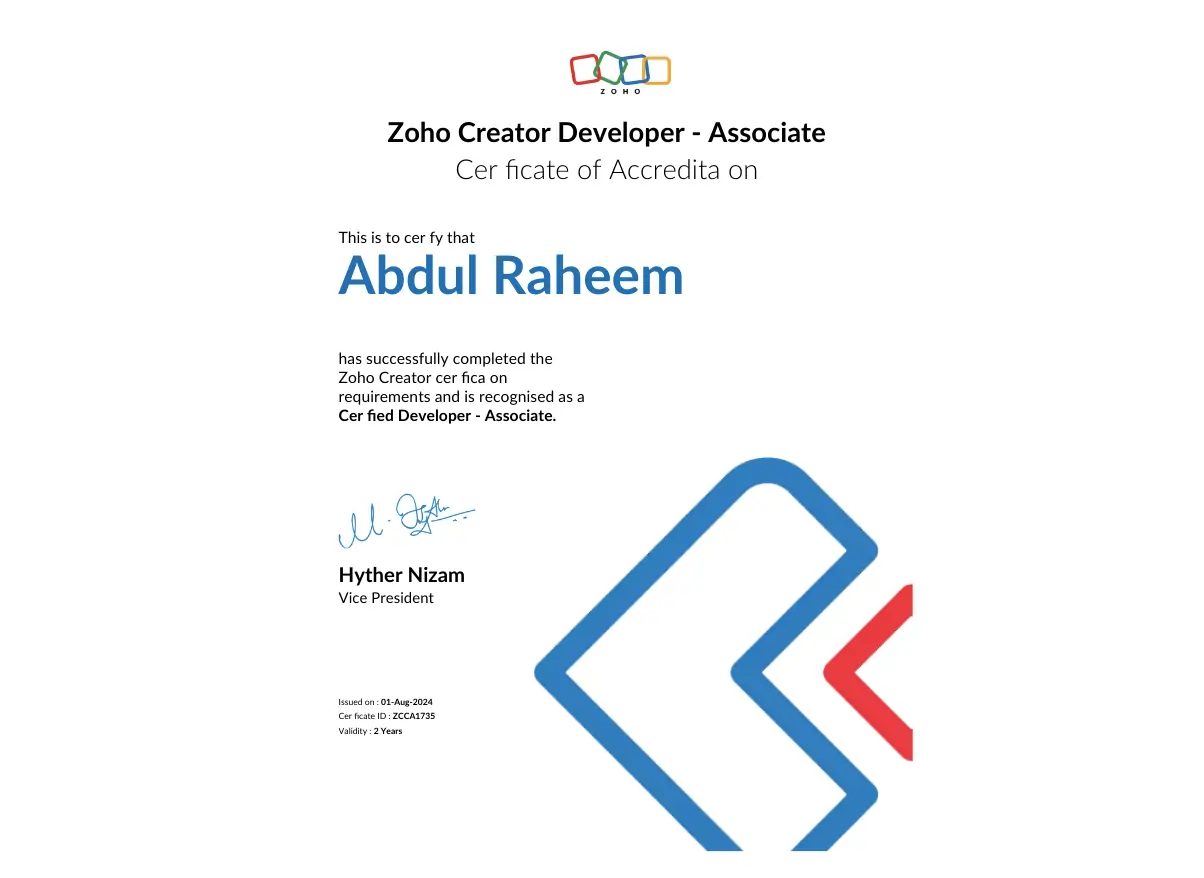
Abdul Raheem - Senior Developer
Abdul Raheem

Senior Developer

a beautiful lady pic in a frame
CAROL DENHARTOG

ZOHO Trainer

a smiling person in a photo frame
NELVIN PANALIGAN

Product Manager

a blue background with white text

Weekly YouTube Sessions – Tailored to You

Join our weekly YouTube sessions and shape the content with your input. Suggest topics or areas you’d like us to cover, and we’ll include them in upcoming trainings.

HOSTED BY:

a smiling person in a circular frame
LIOR IZIK

Automation Specialist

Our Events!​

Cash Flow Secrets Every Owner Misses

Sales are coming in, but profits aren’t sticking. Discover the 5 hidden cash flow killers draining your business—and how to fix them fast.

HOSTED BY:

Simon Fedorovsky

CEO of SFIR Consulting

Convert More Leads and Secure Repeat Growth

Lead follow-up delays and weak retention are silent business killers. In this webinar, discover the proven system 1,000+ companies use to win more jobs and keep clients loyal.

HOSTED BY:

a smiling person in a circular frame
LIOR IZIK

Business Automation Specialist

Smart Growth for Visionary Leaders

C-suite executives don’t settle for bloated tools. Explore strategies to align people, processes, and AI—crafted for companies built to last.

HOSTED BY:

David Polsky

CEO of Amazing Business Results

A person in formal clothes with folded hands.

“We spoke to 3 other Zoho companies before Amazing Business Results — none of them asked us the questions that Lior did. They didn’t just deliver a system, they helped us clarify our whole process.” — Jame K., Operations Director