Zoho CRM + Zapier: A No-Code Automation Guide
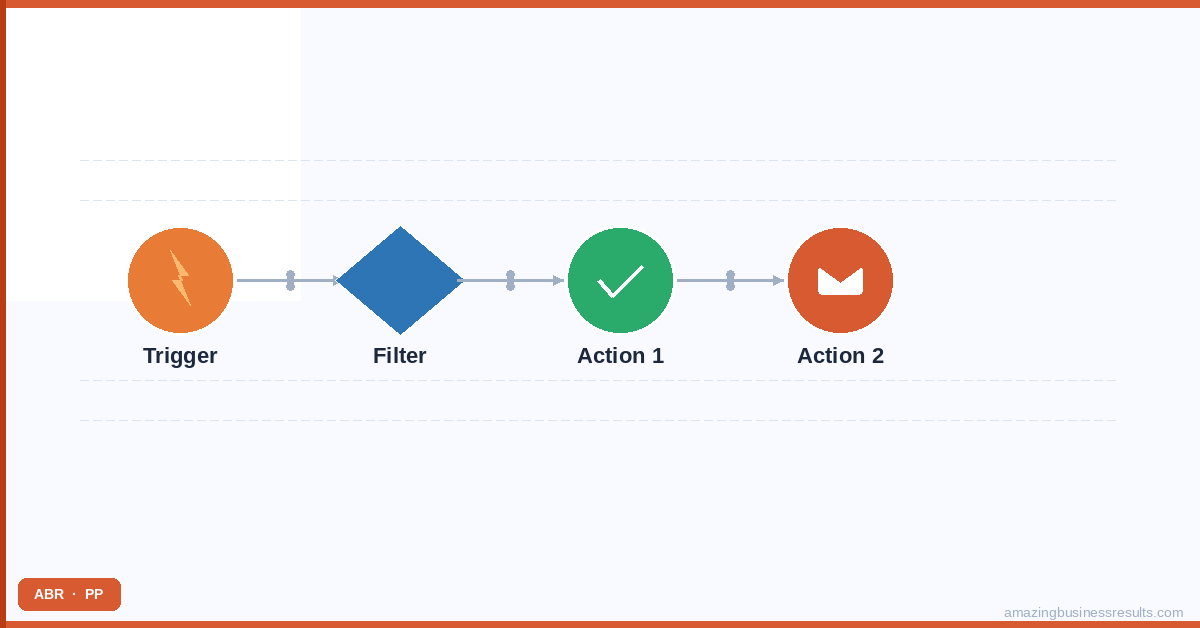
Setting Up Zapier with Zoho CRM
- Create a Zapier account at zapier.com if you do not have one. The free tier allows 5 active Zaps and 100 tasks per month — enough to test the integrations before committing to a paid plan.
- In Zapier, click “Create Zap.” Select your Trigger app (the tool where something happens that should trigger an action in Zoho CRM, or select Zoho CRM as the trigger if you want CRM events to push to other tools).
- Connect your accounts: Zapier will prompt you to authorise each app you use in the Zap. For Zoho CRM, click “Connect” and sign in with your Zoho credentials — Zapier uses OAuth and does not store your Zoho password.
- Select the trigger event: for Zoho CRM triggers, choose from options like “New Lead,” “New Deal,” “Deal Stage Updated,” “New Contact” or “New Activity.” For other-app triggers, the event options depend on the app.
- Add the action: select Zoho CRM (or the other tool) as the action app and choose the action event — “Create Lead,” “Update Contact,” “Create Deal,” etc.
- Map fields: connect the trigger data fields to the action fields. For example, map the Typeform respondent’s email field to the Zoho CRM Lead Email field.
- Test and activate: Zapier will run a test with a real data sample. If the test produces the expected result in Zoho CRM, click “Publish Zap” to activate it.
10 Practical Zap Ideas for Zoho CRM
1. New Zoho CRM Lead → Slack Notification
Trigger: New Lead in Zoho CRM. Action: Send a message to a designated Slack channel. Message format: “New lead: [Name] from [Company] via [Lead Source].” Use case: the sales team sees every new lead in real time without checking the CRM constantly. Configuration tip: filter by Lead Source so only high-priority sources (e.g. website form, not imported list) send Slack notifications.
2. Typeform / Google Forms Submission → Zoho CRM Lead
Trigger: New submission in Typeform or new row in the Google Sheet connected to a Google Form. Action: Create Lead in Zoho CRM. Map: form name field to Lead First/Last Name, email to Lead Email, company to Account Name, any message field to Lead Description. Lead Source = the form name. Use case: contact forms, event registrations, content download gates.
3. Zoho CRM Deal Won → Google Sheets Row
Trigger: Deal updated in Zoho CRM where Stage = Closed Won. Action: Create row in Google Sheets revenue tracker. Columns: deal name, contact name, deal value, close date, lead source, assigned rep. Use case: keeping a revenue tracking sheet for finance or leadership that updates automatically as deals close, without manual exports.
4. Calendly Booking → Zoho CRM Lead (Free Tier Workaround)
Trigger: New Invitee in Calendly. Action: Create or Update Lead in Zoho CRM. Use case: Calendly’s native Zoho CRM integration requires a paid Calendly plan. This Zap achieves the same result on the free Calendly tier. Field mapping: invitee name and email to Lead Name and Email, event type name to Lead Source, scheduled time to a custom date field.
5. New Stripe Payment → Zoho CRM Deal Won
Trigger: New charge in Stripe. Action: Update the matching Zoho CRM deal to Closed Won and update the deal amount to match the Stripe charge. Use case: for businesses where payment completion in Stripe signals the deal should be marked Won in the CRM. Deduplication: match on the customer email address between Stripe and Zoho CRM contact.
6. Zoho CRM Lead Assigned → Gmail Draft
Trigger: Lead Owner updated in Zoho CRM (a new lead is assigned to a rep). Action: Create a Gmail draft in the assigned rep’s inbox with a pre-filled introduction email template. Use case: for SDR-to-AE handoff workflows where the AE should send a personalised intro email immediately after assignment. The draft is ready to review and send — not sent automatically, preserving the personal touch.
7. HubSpot Form Submission → Zoho CRM Lead
Trigger: New form submission in HubSpot. Action: Create Lead in Zoho CRM. Use case: businesses migrating from HubSpot to Zoho CRM gradually — the website still uses HubSpot forms but new leads feed directly into Zoho CRM during the transition period.
8. Zoho CRM Contact Created → Mailchimp / Klaviyo Subscriber
Trigger: New Contact in Zoho CRM. Action: Add subscriber to a Mailchimp or Klaviyo list. Use case: new CRM contacts should automatically join a nurture email sequence in the marketing automation tool. Note: check consent/opt-in status mapping carefully — do not subscribe contacts to marketing lists without recorded consent.
9. Website Chat Lead (Intercom / Drift) → Zoho CRM Lead
Trigger: New lead or conversation in Intercom or Drift where the visitor has provided their email. Action: Create Lead in Zoho CRM. Use case: website chat leads are often missed in CRM imports. This Zap captures them automatically at the moment of the conversation.
10. Zoho CRM Deal Stage → Trello / Asana Task
Trigger: Deal Stage Updated in Zoho CRM to a specific stage (e.g. “Contract Signed”). Action: Create a task or card in Trello or Asana for the delivery or project management team. Use case: when a deal closes, the fulfilment team needs to be notified immediately. This Zap bridges the sales CRM and the project management tool automatically.
Zapier vs Zoho Flow: Which Should You Use?
| Criterion | Zapier | Zoho Flow | Recommendation |
|---|---|---|---|
| Connecting Zoho to non-Zoho tools | Excellent — 6,000+ app connectors | Good — 900+ connectors | Zapier for the widest app coverage |
| Connecting Zoho apps to each other | Works but adds unnecessary cost | Native, deep integration, no per-execution fees | Zoho Flow always wins for Zoho-to-Zoho |
| Cost | Per-task pricing adds up at volume | Included in Zoho One; standalone plans available | Zoho Flow cheaper for high-volume Zoho work |
| Ease of setup | Very easy — best-in-class UX | Easy — slightly more complex UI | Zapier for speed; Flow for Zoho-native depth |
| Multi-step Zaps | Yes — unlimited steps on paid | Yes — flows can have many steps | Tie |
| Filters and conditional logic | Good — Filter by Zapier step | Good — condition steps available | Tie |
| Running on all Zoho plans | Works regardless of Zoho plan | Included free in Zoho One | Zoho Flow is free for Zoho One users |
| Best for | Non-Zoho tools (Slack, Stripe, Typeform, HubSpot) | Zoho-to-Zoho connections and heavy volume | Choose based on the tools involved |
| [!] Zoho Flow is always the right choice when connecting two Zoho applications — it is native, reliable, included in Zoho One and does not charge per task execution. Use Zapier when you need to connect Zoho CRM to a non-Zoho tool, particularly one not in the Zoho Flow connector library. |
Zapier Limitations for Zoho CRM
- Per-task cost at volume: Zapier charges per task execution. A Zap that runs 1,000 times per month costs 1,000 tasks. For high-volume automations (every email received creates a log entry), Zoho Flow is significantly cheaper.
- Data lag: most Zapier triggers check for new data every 1-15 minutes depending on your plan. For time-sensitive workflows (instant Slack notification on a new lead), the lag may be noticeable. Webhook triggers (available on paid Zapier plans) fire instantly.
- No Zoho Blueprint integration: Zapier cannot trigger Zoho CRM Blueprint transitions. Blueprint transitions must be triggered from within Zoho CRM by a user or a native Zoho workflow rule.
- Field limitations: some Zoho CRM field types (lookup fields, multi-select picklists) do not map cleanly through Zapier’s field mapper. Custom fields are accessible but require careful testing to confirm the mapping works as expected.
See also: Zoho CRM integrations hub | integration methods comparison (Flow vs Zapier vs API).
Frequently Asked Questions
Is Zapier better than Zoho Flow for Zoho CRM?
Can Zapier create Zoho CRM records from web form submissions?
How many Zaps can I run with Zoho CRM on a free Zapier plan?
What should I do if my Zap stops running?
Can ABR set up Zapier automations for our Zoho CRM?