Zoho CRM Approval Process: How to Configure Deal and Discount Sign-Off Workflows
What an Approval Process Does
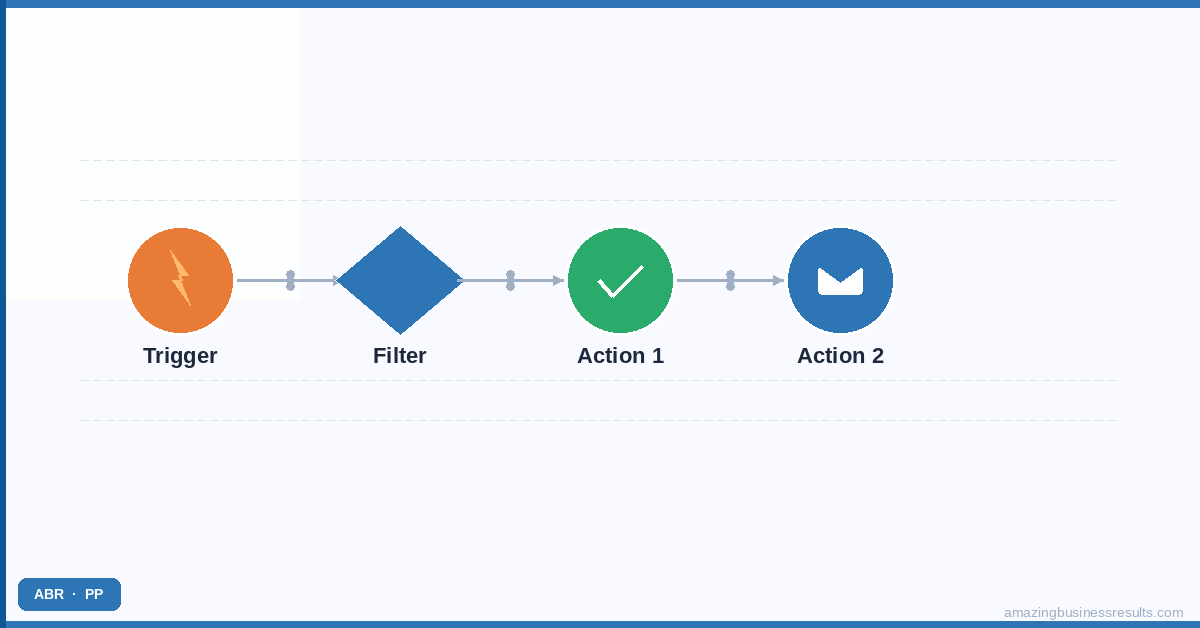
When a record meets the conditions defined in an approval process, it is placed in a pending approval state. The designated approver receives a notification — email, in-app notification or both — and can review the record and either approve or reject it. Until the approval decision is made, the record is locked against further changes by the original user.
The approval action can happen from the approver’s CRM dashboard, from the email notification itself or from the Zoho CRM mobile app. After a decision is made, the approval history is recorded on the record — showing who requested approval, who reviewed it, the decision, any comments and the timestamp.
When to Use an Approval Process
- Deal discounts — any deal where the rep is offering a price below the standard rate requires manager sign-off. The approval process is triggered when the Discount Percentage field exceeds a defined threshold.
- Non-standard contract terms — when a deal involves payment terms, delivery timelines or service levels that differ from your standard contract, the deal record requires legal or management review before the proposal is sent.
- High-value deal stage changes — for businesses where a deal advancing to Proposal or Closed Won above a certain value requires a second pair of eyes, an approval process on the stage change ensures every high-value deal gets reviewed.
- Credit limit overrides — when a deal’s total value would put the customer over their approved credit limit, the approval process routes the decision to the finance manager before the deal proceeds.
- Partner or referral deals — deals originating from a partner channel that carry a referral fee require a separate approval to confirm the referral relationship before the commission is committed.
Building an Approval Process in Zoho CRM: Step by Step
- Navigate to Setup → Process Management → Approval Processes. Click “Create Approval Process” and select the module the process applies to — most commonly Deals, but approval processes work on any module including custom modules.
- Define the trigger conditions. Set the field conditions that trigger the approval request. For a discount approval: field = Discount Percentage, operator = greater than, value = 10. The approval process fires only when a deal record is saved with a discount above 10%.
- Set the approval actions. Define what happens when the approval process triggers. Typically: lock the record for editing, send an approval request notification to the designated approver, and optionally create a task for the approver to review the record within a defined timeframe.
- Assign the approver. Approval can be assigned to a specific user (always the same person), to the record owner’s manager (dynamic, based on the role hierarchy), to a specific role, or to a custom field on the record that designates the approver. Dynamic assignment based on the role hierarchy is the most flexible option for growing teams where approver assignments change.
- Configure the on-approve and on-reject actions. Define what happens after each decision. On approve: update a field, send a notification to the rep, advance the stage automatically. On reject: unlock the record, send a rejection notification to the rep with the approver’s comments, create a task for the rep to revise and resubmit.
- Set escalation and reminder rules. If the approver does not respond within a defined timeframe — say, 24 hours — an escalation sends the request to the approver’s manager. Reminders send follow-up notifications at intervals you define until the approval is actioned.
- Test with a sample record. Create a test deal that meets the approval trigger conditions and walk through the full approval flow — request, notification, approve, and then repeat with a rejection. Confirm the field updates, notifications and audit trail entries are all firing correctly.
Single-Level vs Multi-Level Approval
A single-level approval requires one approver to sign off. This covers most SMB approval scenarios — a sales manager reviewing discount requests, a finance director approving credit overrides.
A multi-level approval requires sequential sign-offs from multiple approvers. A large enterprise deal might require: sales manager approval first, then finance director approval for deals above a revenue threshold, then legal review if non-standard terms are included. Each approver in the chain receives the request only after the previous level approves. A rejection at any level stops the chain and returns the record to the rep.
Zoho CRM supports multi-level approval processes on Enterprise and Ultimate plans. On Professional, single-level approval is available. See the Zoho CRM pricing guide for plan feature comparisons.
Approval Processes vs Blueprint Transitions
Approval processes and blueprint transition restrictions solve similar problems at different granularity. A blueprint transition restriction controls who can perform a stage change and what conditions must be met before the button appears. An approval process puts a record into a pending state that requires a separate user to make a deliberate approval decision.
For most stage-change controls — requiring a field to be populated, restricting which profiles can advance a deal — a blueprint transition is the right tool. For scenarios where a distinct second person needs to review and explicitly authorise a decision — discount approval, credit override, non-standard terms — an approval process is more appropriate. The workflow vs blueprint comparison guide covers the broader automation decision framework.
Frequently Asked Questions
What is a Zoho CRM approval process?
How does the Zoho CRM approval process work for deals?
Can approval processes have multiple approval steps?
Which Zoho CRM plan includes approval processes?
Can ABR configure approval workflows for our Zoho CRM?