How to Automate Your Business Without Writing a Single Line of Code
What No-Code Automation Actually Means
No-code automation means building automation workflows through visual drag-and-drop interfaces, dropdown menus and form fields — rather than through programming languages, scripts or APIs. You describe what you want the automation to do using the tool’s interface, and the tool translates your instructions into the underlying logic that makes the automation run.
The trade-off is capability ceiling. No-code tools cover the vast majority of standard business automation requirements — workflow triggers, conditional logic, field updates, email templates, task creation, record creation and standard integrations. When a requirement is genuinely complex — custom calculations across multiple related records, real-time API calls that process responses, multi-branch conditional logic with many exception paths — low-code or pro-code tools are needed. Most SMBs reach that ceiling only in a minority of their automation requirements.
The 5 No-Code Automation Tools Every SMB Should Know
1. Zoho CRM Workflow Rules
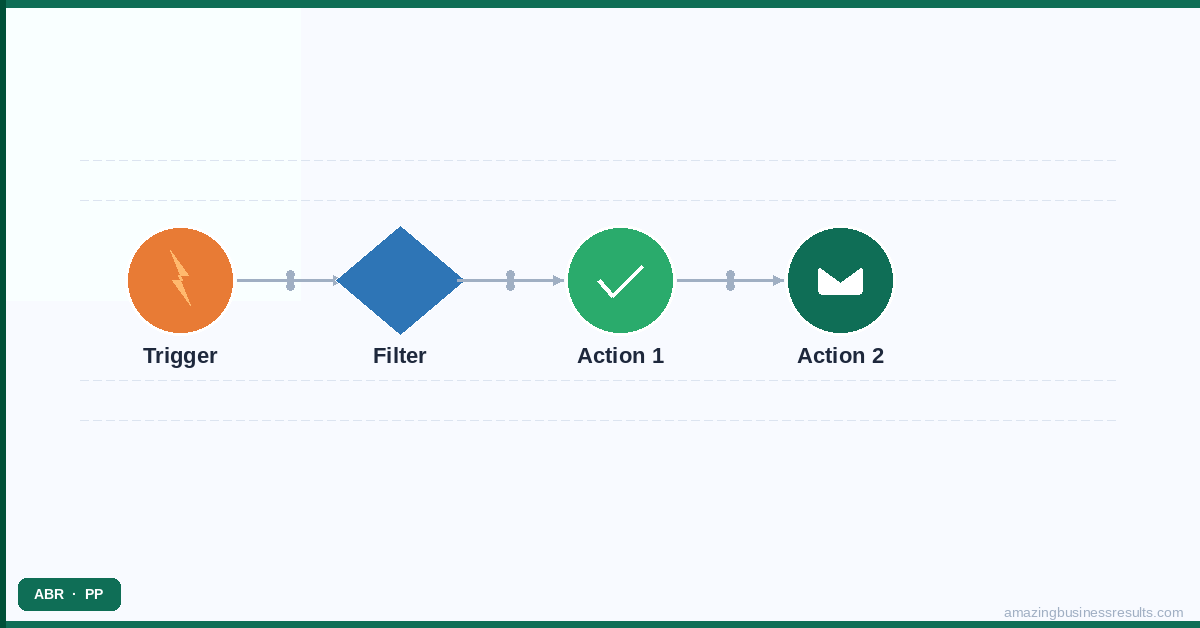
Workflow rules in Zoho CRM are configured entirely through a visual builder. You select the module (Leads, Deals, Contacts), the trigger condition (record created, field changed, date-based), the filter conditions (only apply to records matching these criteria) and the actions (send this email template to this person, create this task, update this field). No code. No technical knowledge required. The workflow rule builder is accessible to any Zoho CRM user with administrator profile access.
What workflow rules can do without code: automated email notifications, field value updates, task creation, cadence enrolment, webhook calls to external tools and Zoho Creator function triggers. See the Zoho CRM workflow rules guide for a step-by-step build walkthrough.
2. Zoho CRM Cadences
Cadences are multi-step outreach sequences built through a visual step builder. You add steps (email, call task, manual task), set the interval between steps (1 day, 3 days, 7 days) and configure exit conditions (pause when prospect replies, exit when meeting is booked). The sequence runs automatically for every enrolled lead or contact. No code. Configured entirely through the Cadences module in Zoho CRM. See the Zoho CRM cadences guide for setup instructions.
3. Zoho Flow
Zoho Flow is a visual workflow builder that connects Zoho apps to each other and to third-party tools. A Flow can start when a deal is marked Closed Won in Zoho CRM, create a project in Zoho Projects, send a notification in Slack and create an invoice in Zoho Books — all as a single visual workflow with no code. Flows are built by dragging trigger and action blocks onto a canvas and connecting them.
Zoho Flow includes pre-built connectors for Zoho’s own apps and for 900+ third-party tools including Gmail, Outlook, Slack, Mailchimp, QuickBooks, Xero and Shopify. For the majority of cross-application automation use cases, a Zoho Flow can be built in 30–60 minutes by a non-technical user.
4. Zoho Books Automation
Zoho Books includes its own automation layer for finance processes. Payment reminder sequences, recurring invoice generation, approval workflows for purchase orders and automated bank statement reconciliation are all configured through visual settings menus without any technical knowledge. See the invoice and finance automation guide for the full capability overview.
5. Zoho People Onboarding Automation
Zoho People’s onboarding module allows HR teams to configure multi-step onboarding workflows through a visual template builder. Define the steps, assign each step to a role or team member, set the timing for each step relative to the start date and the system manages the sequence automatically. No code, no IT involvement, no developer required.
Your First No-Code Automation: A Walkthrough
Here is a complete walkthrough of building a lead notification workflow in Zoho CRM — one of the most common and impactful first automations for SMBs. Total time: approximately 20 minutes.
- Log in to Zoho CRM as an Administrator. Go to Setup (the gear icon, top right) → Automation → Workflow Rules.
- Click “Create Rule.“ Select the Leads module. Name the rule: “New Lead — Assign and Notify Rep.” Click Next.
- Set the trigger. Select “When a Record Action is performed” → “Created.” This rule fires when a new lead record is created in Zoho CRM. Click Next.
- Set conditions (optional). To restrict this rule to a specific lead source, add a condition: Lead Source equals Website Form. To apply to all new leads, leave conditions blank. Click Next.
- Add the first action: Email Alert. Click “Add Action” → “Email Alert.” Create a new email template or select an existing one. Set the recipient as “Lead Owner” (the rep assigned to the lead). Write the email subject and body using merge fields: “New lead: {Lead Name} from {Company}. Click here to view: {Lead URL}.” Save the action.
- Add the second action: Create Task. Click “Add Action” → “Create Task.” Set the subject as “Call {Lead Name} — new lead.” Set the due date as “Date of Action + 0 days” (due today). Assign to “Lead Owner.” Save the action.
- Save and activate the rule. Click Save. The rule is now active — the next new lead created in Zoho CRM will trigger both the email alert and the task creation automatically.
- Test it. Create a test lead record manually. Check that the email arrived and the task was created on the lead record. Open the workflow rule and check the Execution Log to confirm the rule fired correctly.
That is a complete, production-ready automation built in 20 minutes with no technical knowledge. From here, you can add complexity — assignment rules that route the lead to the right rep before the notification fires, scoring rules that add the lead’s quality score to the notification email, a cadence that starts automatically if the rep does not log a call within 24 hours. Each addition follows the same visual, no-code process.
For the complete library of no-code automation guides in Zoho CRM, start with the sales process automation hub. For the broader automation strategy and prioritisation framework, see the business automation guide.
Frequently Asked Questions
What automation tools require no coding knowledge?
What can I automate with Zapier without any coding?
At what point does no-code automation stop being sufficient?
Is Zoho Flow better than Zapier for no-code automation?
Can ABR help us set up no-code automation?