Zoho CRM Automated Text Messages: Never Miss a Lead Response
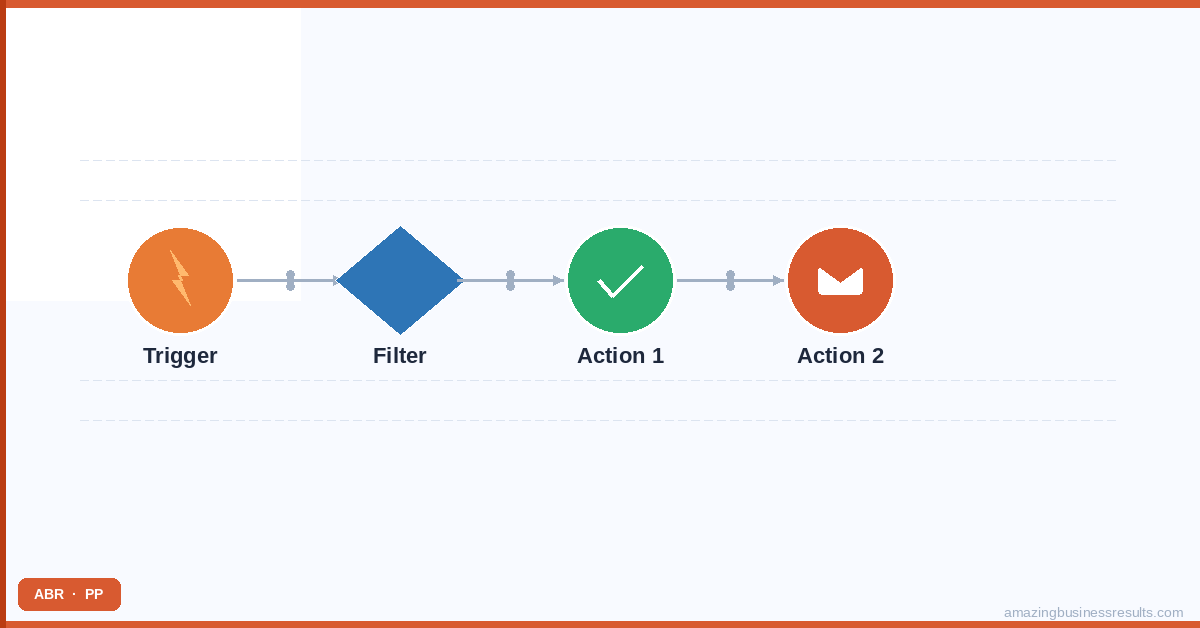
How Automated SMS Works in Zoho CRM
Automated SMS in Zoho CRM is powered by two components working together: the ABR SMS Extension (which adds SMS as a CRM action type) and Zoho CRM Workflow Rules (which define the trigger conditions and timing for each automated message).
A workflow rule has three components: a trigger (when should the rule check for the condition), a condition (which records should trigger the action) and an action (what should happen — in this case, send an SMS via the ABR extension). Once the rule is active, every record that meets the condition at the trigger time automatically receives the defined SMS.
Automation 1: Instant Lead Response
The highest-ROI automation in Zoho CRM. Setup:
- Trigger: Record Action — On Creation. Module: Leads.
- Condition: Mobile Phone is not empty AND Lead Status = New. (Exclude leads without a mobile number to avoid failed sends.)
- Action: Send SMS via ABR extension. Template: “Hi {{First Name}}, thanks for getting in touch with [Business Name]. We’ll call you within the next few hours to discuss. Reply STOP to opt out.”
- Secondary action: Create a Task — “Call {{First Name}} — responded to SMS” — due in 2 hours, assigned to the lead owner.
| [+] Add a filter by Lead Source if you only want instant SMS for high-priority sources (e.g. website form enquiries) and not for imported or manually created leads. |
|---|
Automation 2: Appointment Confirmation and Reminders
- Confirmation (immediate): Trigger = Activity Created (Event type). Action = Send SMS immediately. Template: “Your [meeting type] with [rep name] is confirmed for {{Event Date}} at {{Event Time}}. Add to calendar: [calendar link]. Reply RESCHEDULE if you need to change.”
- 24-hour reminder: Trigger = Activity Created. Scheduled action = 24 hours before Event Date/Time. Template: “Reminder: [meeting type] tomorrow at {{Event Time}} with [rep name]. Reply CONFIRM to confirm your attendance.”
- 1-hour reminder: Trigger = Activity Created. Scheduled action = 1 hour before Event Date/Time. Template: “See you in 1 hour, {{First Name}}. Join here: [link] or call [number] if you need to reschedule.”
Automation 3: Deal Stage Triggers
- Proposal sent notification: Trigger = Deal Stage updated to “Proposal Sent.” Action = Send SMS 2 hours later. Template: “Hi {{First Name}}, just sent through our proposal for your review. Happy to walk you through it on a call — what works for you this week?”
- Stale deal reactivation alert: Trigger = Scheduled (daily check). Condition = Deal stage is not Closed AND Last Activity Date is more than 14 days ago. Action = Create a task for the deal owner to send a personalised reactivation SMS. (Note: for stale deals, trigger a rep task rather than a fully automated message — personalisation improves results.)
Automation 4: Post-Meeting Follow-Up
- Meeting completed follow-up: Trigger = Activity Status updated to “Completed” (Event type). Scheduled action = 30 minutes after completion. Template: “Thanks for your time today, {{First Name}}. I’ll send through a summary and next steps by email. Any questions in the meantime, just reply here.”
This automation ensures every completed meeting has an immediate post-meeting touchpoint — closing the “I forgot to follow up” gap that affects even experienced sales reps on busy days.
Compliance Reminder
All automated SMS requires prior consent from the recipient. Do not configure automated SMS triggers for contacts who have not explicitly opted in to receive text messages from your business. See the SMS compliance section on the ABR SMS extension page for the full requirements.
See also: ABR SMS Extension full guide | messaging extensions hub.
Frequently Asked Questions
Does Zoho CRM send automated text messages natively?
What triggers can fire an automated SMS in Zoho CRM?
Can I send automated SMS to leads who have not opted in?
How fast can Zoho CRM send an automated SMS after a lead is created?
Can ABR set up automated SMS workflows in our Zoho CRM?