Zoho CRM Webhooks and Custom Functions: Extending Automation Beyond the Defaults
Webhooks: Sending Data to External Systems
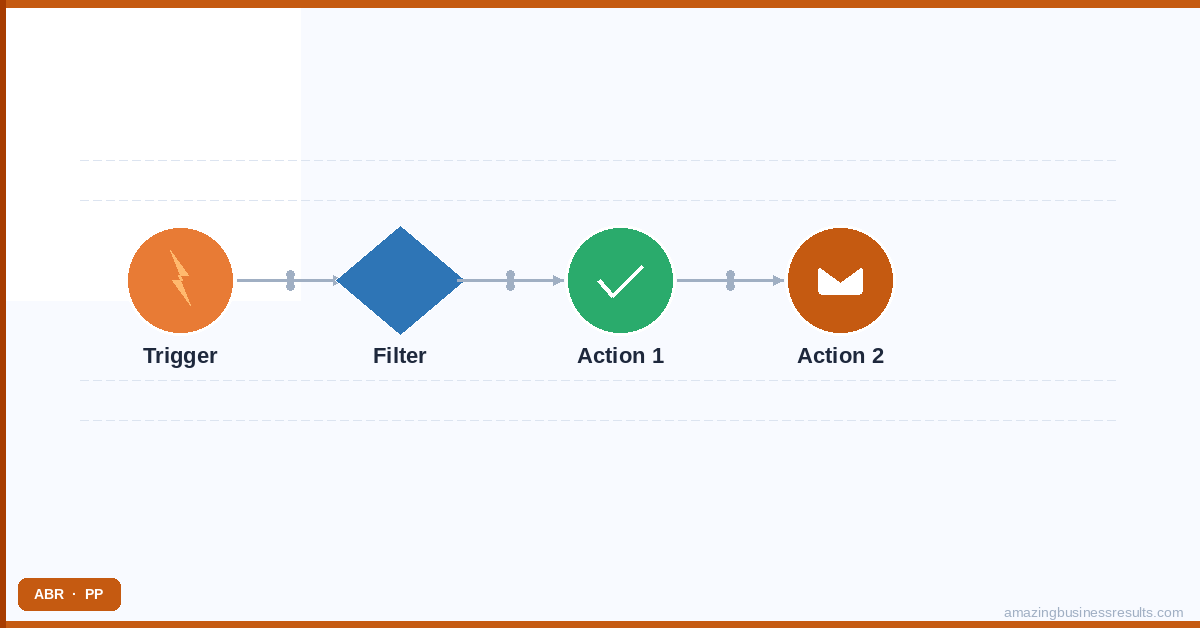
A webhook in Zoho CRM is an HTTP request sent from Zoho CRM to an external URL when a defined trigger fires. When a deal is created, Zoho CRM can send a JSON payload containing that deal’s data to your project management tool, your accounting system, your proposal software or any other system with an API endpoint that accepts incoming data.
Webhooks are configured as actions inside workflow rules — they run automatically when the workflow rule conditions are met. The webhook payload is a JSON object you define in the workflow action settings, populated with the field values from the triggering record using Zoho CRM merge syntax.
Common Webhook Use Cases
- CRM to project management — when a deal is marked Closed Won, a webhook creates a new project in Asana, Basecamp or Monday.com with the deal’s client name, value and close date pre-populated.
- CRM to accounting — when a deal advances to Contract Signed, a webhook sends the deal data to Zoho Books (or QuickBooks, Xero) to create a draft invoice.
- CRM to proposal software — when a deal advances to Proposal stage, a webhook sends the account and contact details to a proposal tool to pre-populate a new proposal template.
- CRM to Slack or Teams — when a high-value deal is created or marked Closed Won, a webhook posts a notification to a designated Slack channel with the deal details.
- CRM to marketing automation — when a lead is converted, a webhook removes them from the marketing nurture list in Mailchimp or HubSpot and adds them to a customer onboarding list.
Custom Functions: Scripted Logic Inside Zoho CRM
Custom functions are code blocks written in Zoho’s Deluge scripting language that run inside Zoho CRM in response to workflow rule triggers, button clicks or scheduled function timers. Unlike webhooks — which only send data out — custom functions can read from and write to any record in Zoho CRM, call external APIs, perform conditional logic and chain multiple operations in a single execution.
What Custom Functions Can Do
- Update related records — when a deal closes, update the associated account’s “Last Deal Closed” date and increment their “Total Deals Won” count. Standard workflow rules can only update fields on the triggering record; custom functions can update any related record.
- Create multiple records at once — when a deal is marked Closed Won, create a new project record, create three onboarding tasks on that project and create a renewal deal with a close date 12 months in the future — all in a single function execution.
- Call external APIs and process responses — call a credit checking API with the account’s company details and write the credit score back to a field on the account record. Standard webhooks can send data out but cannot process a response; custom functions can.
- Complex conditional logic — apply different field update rules based on a combination of conditions that is too complex to express in standard workflow rule condition syntax.
Deluge Scripting: What It Involves
Zoho’s Deluge scripting language is purpose-built for the Zoho ecosystem. It is a relatively simple, readable scripting language — closer to Python than Java in syntax — and Zoho provides a full library of built-in functions for common operations: querying CRM records, calling external URLs, sending emails, creating records and manipulating data structures.
The realistic learning curve for a non-developer who wants to write simple Deluge functions is two to four weeks of part-time work. For a developer familiar with any scripting language, a working knowledge of Deluge takes two to three days. For most businesses, the cost-effective approach is to identify the specific automation requirements that need custom functions and engage a Zoho developer or implementation partner to build them, rather than investing in Deluge training for a non-developer.
Webhooks vs Custom Functions: When to Use Each
ABR’s development team builds custom Zoho CRM functions and webhook integrations as part of implementation engagements. For businesses with specific automation requirements that go beyond the built-in tools, contact the ABR consulting team to scope a development engagement.
| Requirement | Use |
|---|---|
| Send data to an external system when an event fires | Webhook |
| Trigger an action in another tool (Slack, Asana, etc.) | Webhook |
| Update records in multiple Zoho CRM modules | Custom Function |
| Process an API response and write results to a CRM field | Custom Function |
| Create multiple related records in one operation | Custom Function |
| Apply logic too complex for standard workflow conditions | Custom Function |
| Run automation on a fixed daily/weekly schedule | Scheduled Custom Function |
Frequently Asked Questions
What is a Zoho CRM custom function?
When should I use a webhook instead of a Zoho Flow integration?
Can Zoho CRM webhooks include custom JSON payloads?
Can ABR configure webhooks and custom functions for our Zoho CRM?