Zoho CRM for Property Managers: Managing Tenants, Landlords and Properties
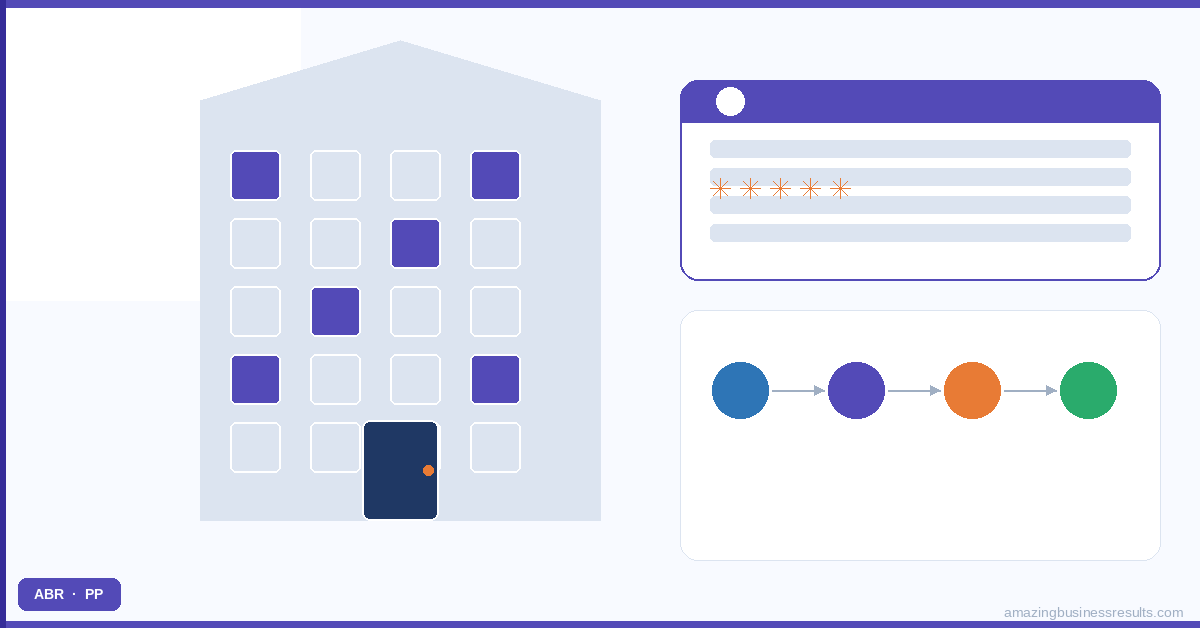
The Property Management Data Model in Zoho CRM
Property management involves three primary relationship types that need to be represented in the CRM data model:
- Properties — the physical assets. Address, property type, current occupancy status, landlord, rent amount, lease end date. A custom Property module in Zoho CRM holds this data.
- Landlords — the property owners. Account records for the owning entity or Contact records for individual landlords. Each landlord links to their portfolio of properties.
- Tenants — the occupants. Contact records with their tenancy linked to the Property record. Tenancy start date, end date, rent amount and any agreed rent review schedule.
The relationships: a Property links to one Landlord (or Landlord company). A Property can have one active Tenant (and many historical Tenants). A Landlord can own multiple Properties. This structure gives a property manager a complete picture from any starting point: open the Landlord record and see all their properties and current tenants; open the Property record and see the current tenant, the lease end date and the maintenance history.
Key Property Management Workflows in Zoho CRM
Tenant Enquiry and Let Agreed Pipeline
The tenant acquisition pipeline for a lettings agent or property management company follows a standard sequence: Enquiry → Viewing → Application → Referencing → Let Agreed → Moved In. This maps directly to a Zoho CRM Deal pipeline. Each stage change triggers automatic actions: a viewing confirmation email when the viewing is scheduled, a referencing request email when the application is received, a move-in checklist task when the let is agreed.
For property management businesses that also handle sales, create a separate pipeline for each: a Lettings Pipeline and a Sales Pipeline. Zoho CRM’s multiple pipelines feature keeps the stages and reporting clean between the two business lines. See the multiple pipelines guide.
Lease Renewal Management
Lease renewals are the highest-value retention activity in property management. A tenant who renews avoids the void period cost, the referencing cost and the letting fee cost of finding a replacement. Managing renewals manually — relying on the property manager to remember which leases are expiring and contact the tenant and landlord at the right time — is a common source of avoidable revenue loss.
Zoho CRM’s date-based workflow automation solves this. A workflow rule triggered by the Lease End Date field fires renewal tasks and communications at 90, 60 and 30 days before expiry: a task for the property manager to speak with the landlord about renewal terms (90 days), an email to the tenant offering renewal (60 days), and a final reminder if no renewal agreement has been reached (30 days). The property manager’s focus goes where it is needed rather than to manually tracking every lease expiry date in a spreadsheet.
Maintenance Request Tracking
Tenant maintenance requests are a high-frequency, high-visibility interaction that significantly affects tenant satisfaction and retention. A maintenance issue that is acknowledged promptly, managed transparently and resolved efficiently builds tenant loyalty. The same issue managed poorly — no acknowledgement, no updates, slow resolution — leads to complaints and early tenancy terminations.
For property management businesses using Zoho One, Zoho Desk handles maintenance requests as a helpdesk ticket system. Each new maintenance request creates a ticket linked to the tenant’s contact record and the property record. The ticket tracks: receipt of the request, acknowledgement sent to tenant, contractor assigned, contractor visit scheduled, repair completed, tenant sign-off. The property manager sees every open maintenance request across the portfolio in a single view. Landlords can be given portal access to see maintenance activity on their properties.
Landlord Relationship Management
Landlords are the customers of the property management service — they pay the management fee and have the power to move their portfolio to a different agent. Consistent, proactive communication with landlords is a retention priority. Zoho CRM automates the touchpoints that keep landlords informed without requiring the property manager to manually prepare updates: monthly automated portfolio summaries, maintenance activity reports, renewal status notifications and annual management fee review prompts.
For help configuring Zoho CRM for your property management operation — whether you manage 10 properties or 500 — ABR can scope a tailored implementation. See the real estate implementation service page for the service context.
Frequently Asked Questions
Can Zoho CRM manage both property landlords and tenants?
How does Zoho CRM handle lease renewal tracking for property managers?
Can Zoho CRM automate maintenance request follow-up?
How does Zoho CRM track property inspection schedules?
Can ABR implement Zoho CRM for our property management business?