Introduction
In today’s business environment, data-driven decision-making is essential for success. Dashboard reporting is a critical tool that empowers businesses to make informed decisions by visualizing key metrics and trends. In this blog post, we’ll explore the concept of dashboard reporting and how Zoho Analytics can help you navigate your finances and sales effectively.
https://www.youtube.com/watch?v=CPTy7-kXGyI
What is Dashboard Reporting?
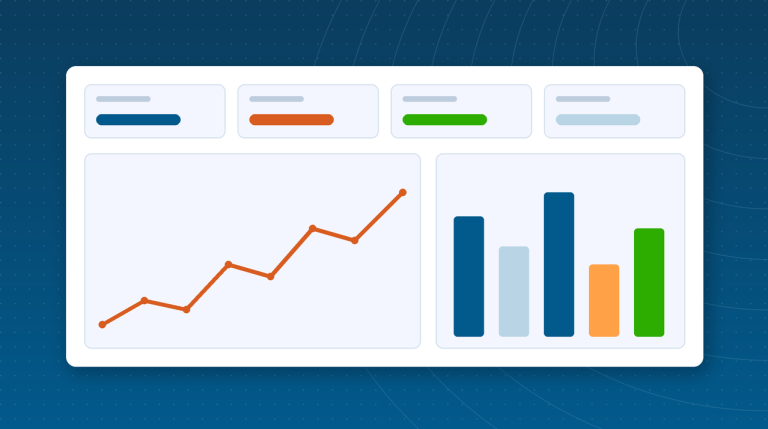
Dashboard reporting involves the use of visual tools to present data in an easy-to-understand format. It allows businesses to track performance metrics, analyze trends, and make data-driven decisions. A well-designed dashboard provides a snapshot of your business’s health, highlighting key performance indicators (KPIs) that are crucial for strategic planning.
Benefits of Dashboard Reporting
- Template Management: Easily create and manage templates for proposals, contracts, and quotes.
- E-Signatures: Simplify the signing process with legally binding electronic signatures.
- Tracking and Analytics: Track document status and gain insights into client interactions.
- Integration: Seamlessly integrates with various CRM systems and other business tools.
Our Sales Process Using PandaDoc
Initial Contact and Needs Assessment
- Our sales process begins with an initial contact where we understand the client’s needs and requirements. We gather all necessary information to tailor our proposal effectively.
Proposal Creation
- Using PandaDoc, we quickly generate a customized proposal based on the client’s specific needs. The template management feature ensures consistency and accuracy in our proposals.
Collaboration and Review
- Clients can review the proposal and provide feedback directly within PandaDoc. This collaborative feature allows for real-time adjustments and ensures that all client concerns are addressed promptly.
Approval and E-Signature
- Once the proposal is finalized, clients can approve and sign the document electronically. PandaDoc’s e-signature feature simplifies this step, making it quick and hassle-free.
Tracking and Follow-Up
- We use PandaDoc’s tracking and analytics to monitor the status of the document. This feature provides insights into client engagement and helps us follow up effectively.
Integration with CRM
- PandaDoc integrates seamlessly with our CRM system, ensuring that all client data is synchronized and up-to-date. This integration enhances our efficiency and reduces the risk of errors.
Benefits for Our Clients
Using PandaDoc in our sales process offers several benefits for our clients:
- Efficiency: The automation features of PandaDoc speed up the proposal creation and approval process.
- Transparency: Clients can easily review and provide feedback on proposals, ensuring clarity and mutual understanding.
- Convenience: E-signatures eliminate the need for physical document handling, making the process more convenient.
- Real-Time Updates: Clients receive real-time updates on the status of their documents, keeping them informed throughout the process.
Conclusion
Our sales process at Amazing Business Results is designed to be efficient, transparent, and client-focused. By leveraging PandaDoc, we streamline our workflow, enhance collaboration, and provide a better experience for our clients. If you haven’t already, watch our video for a detailed demo of how PandaDoc integrates into our sales process and see the benefits firsthand.